
The Fujifilm X-S20 – an all-in one compact camera
Introduction to the X-S20
The X-S20 is Fujifilm’s mid-tier compact hybrid camera designed and targeted for vloggers and content creators. It inherits from Fujifilm X-S10 (2020 release) the excellent 26.1MP APS-C X-Trans CMOS 4 (backside-illuminated) sensor and pairs it with the newer X-Processor 5, a bigger battery (NP-W235 from the NP-W126S), significantly improves on the video capabilities and adds AI subject detection autofocus. Despite its video/vlog focus, it retained all the photo features from its predecessor, such as the EVF, mechanical shutter, hot shoe, and even the pop-up flash.
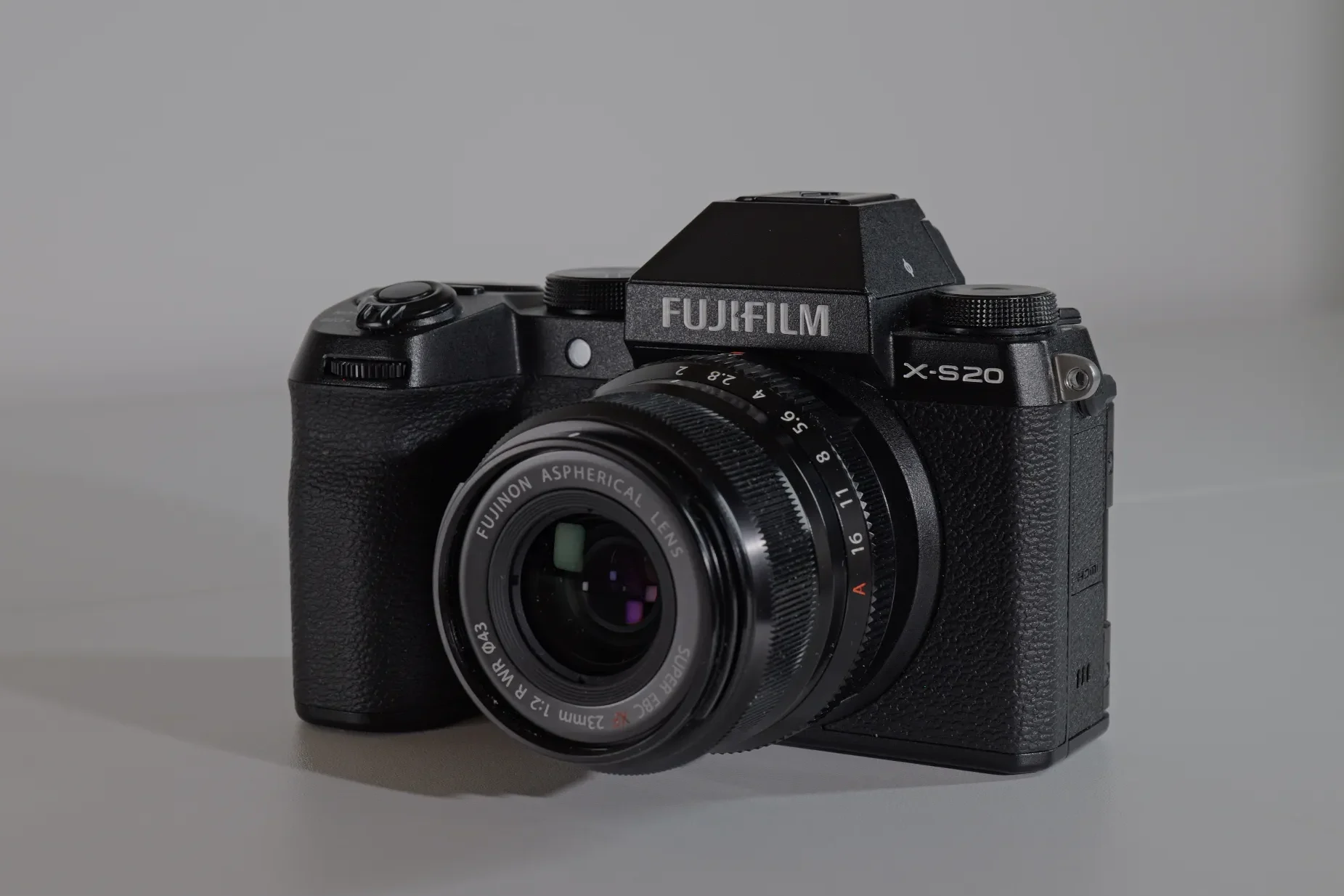
I bought mine (new) in June 2024 just one year after its release as a compact portable alternative to my Fujifilm X-H2S. At the time, it was deemed as a Mini-X-H2S, with similar video specs in a smaller/lighter body (491 vs 660 grams). I used I as an everyday camera, paired with the also small XF 70-300mm f/4-5.6 R LM OIS WR and as b-camera, with the same color science (film simulations) as the more professional X-H2S.
Fuji put so many features in this camera that it stands out from the competition – apart from Sony’s A6700, there are no other comparable mid-range APS-C cameras with such features. Despite this, you don’t see much talk about this camera, there aren’t many users that embraced it and it seems that it was abandoned by Fuji, as no significant firmware upgrades have been issued since December 2024 (Ver. 3.10) and even that update is questionable as it was focused on AF improvements.
PROS
CONS
|
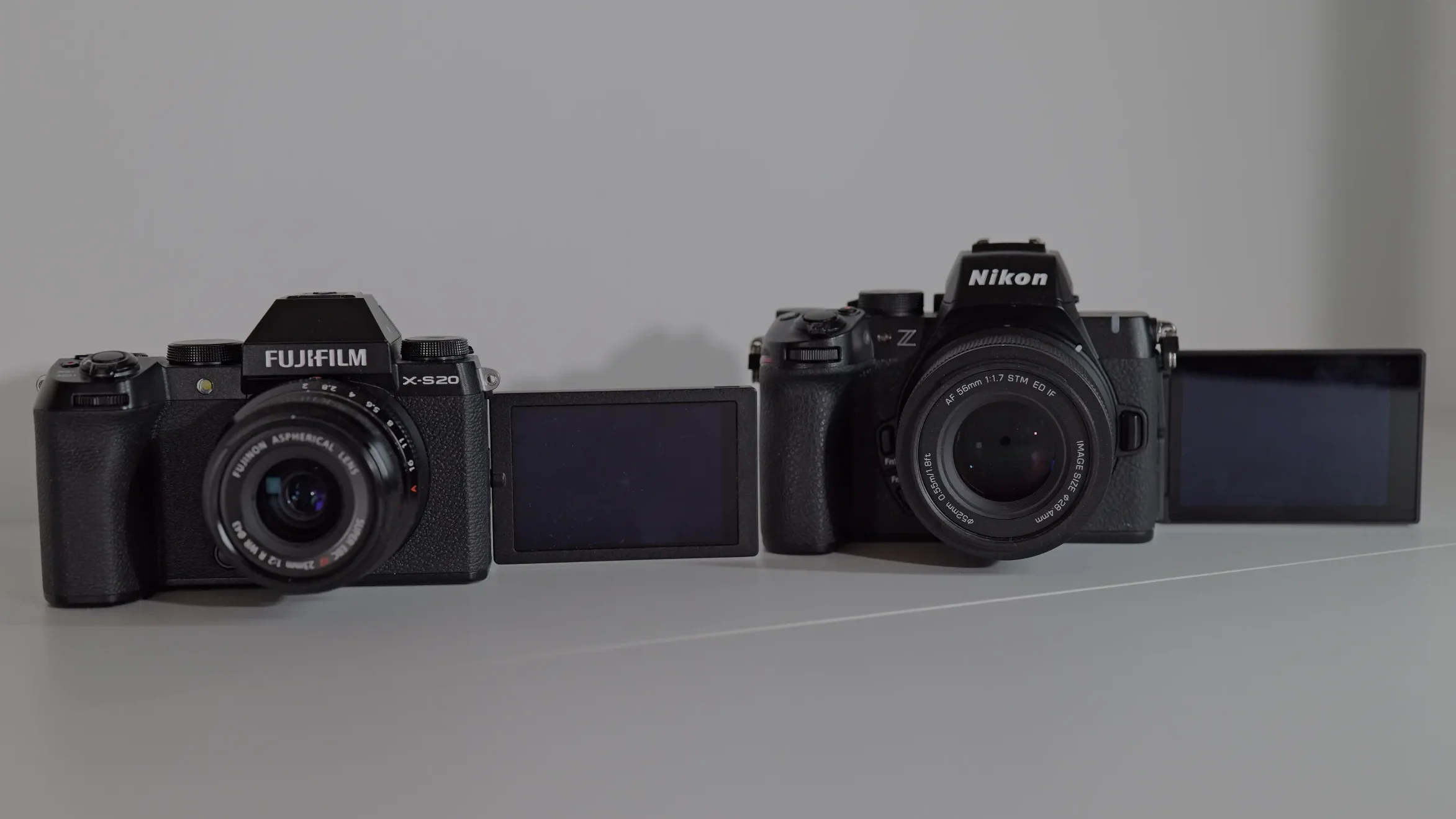
WHAT MATTERS FOR CONTENT |
FUJIFILM X-S20 |
NIKON Z50II |
|---|---|---|
|
Stays in focus on your face while moving |
Yes, in most cases reliable, can hunt |
Yes, reliable |
|
Good in a dim bedroom setup |
Backlight can be a problem for AF |
Better with added lighting |
|
Overheating |
Yes, at 4k 60 p and 6k open gate |
In higher frame rates |
|
In-body stabilization |
Yes, IBIS + OIS (lens stabilization) |
No, only digital stabilization |
|
Price (body only) |
$1,300 |
$900 |
Talking head test (AF test)
For talking head videos, the cameras autofocus does just fine, it tracks your face/eyes and usually doesn’t hunt. It can be distracted by hand movements in front of the face or background sources of light. Unlike Sony or Cannon, which come with perfect autofocus out of the box, the autofocus settings need to be tweaked and tested to obtain the desired results – I have had good results for talking head AF with custom AF settings of AF speed -2 and sensitivity +1.
The choice of lens also matters as older lenses seem to struggle more in video in general (which is a shame as they render the image beautifully) than the newer lenses such as the 23mm, 33mm or 50mm F2.0 lenses. Third party lenses work well; I haven’t had any issues with the Viltrox AF 33mm F1.4 or Tamron 17-70mm F2.8 Di II-A VC RXD lenses being less reliable than the native ones.
Vlogging mode
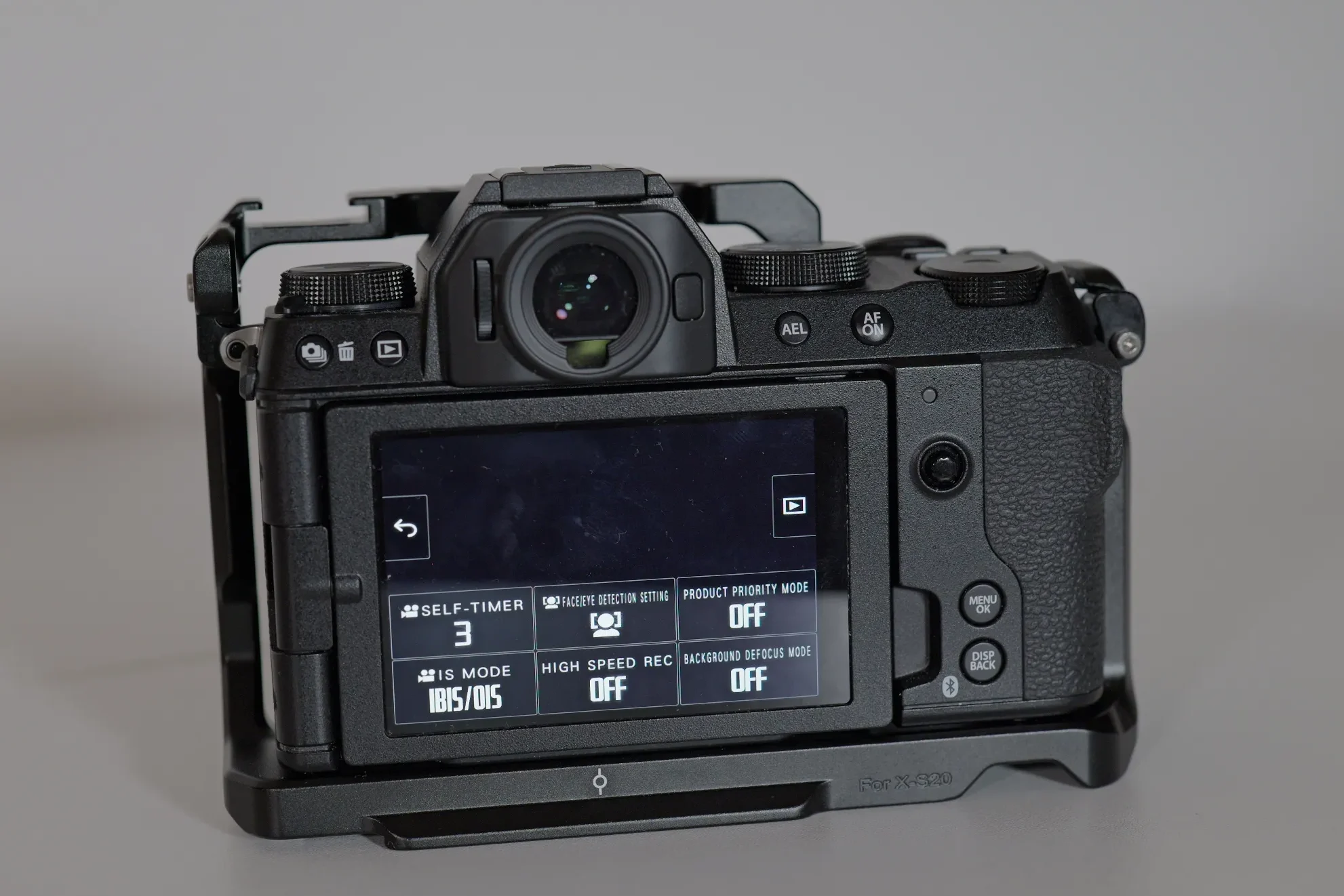
The X-s20 introduces the vlogging mode a separate mode available on the PASM dial, with its own sub-menu and custom setting. This sub-menu has 6 touch screen settings that make it easier for creators to have them all in one place, without having to browse the menus.
These are:
1. Self-timer – you can quickly turn on the self-timer with options to star recording at 3/5/10 seconds after pressing record.
2. Ace detection setting – turn on/off face detection and choose face/eye/right or left eye.
3. Product priority mode – if you are showcasing a product, this mode will focus on the product if you put it in front of you.
4. Image stabilization – you can choose between having it off, IBIS + OIS (if your lens has OIS) and IBIS + OIS + digital stabilization.
5. High speed recording – you can turn high speed recording off/on/on HDMI.
6. Background defocus – by activating this mode the lens switch to the maximum aperture (most background blur).
The Fujifilm X-M5 further expands on this concept adding additional settings, a 9:16 vertical mode and lower MBS rates specifically tailored for uploading and sharing these videos on social media.
B-roll, handheld footage and vlogging
The 7 stop IBIS help a lot with handheld footage, particularly if paired with lenses that have optical image stabilization(OIS). For steady shots you can use the Boost mode which has a gimbal like effect and the pairing of IBIS + OIS + Boost mode produces very stable shots.
For panning b-roll footage the IBIS + OIS combination works well if you use some technique in your movements. You can also add the digital stabilization, but I don’t like how it looks, it adds an additional crop and I don’t use it much.
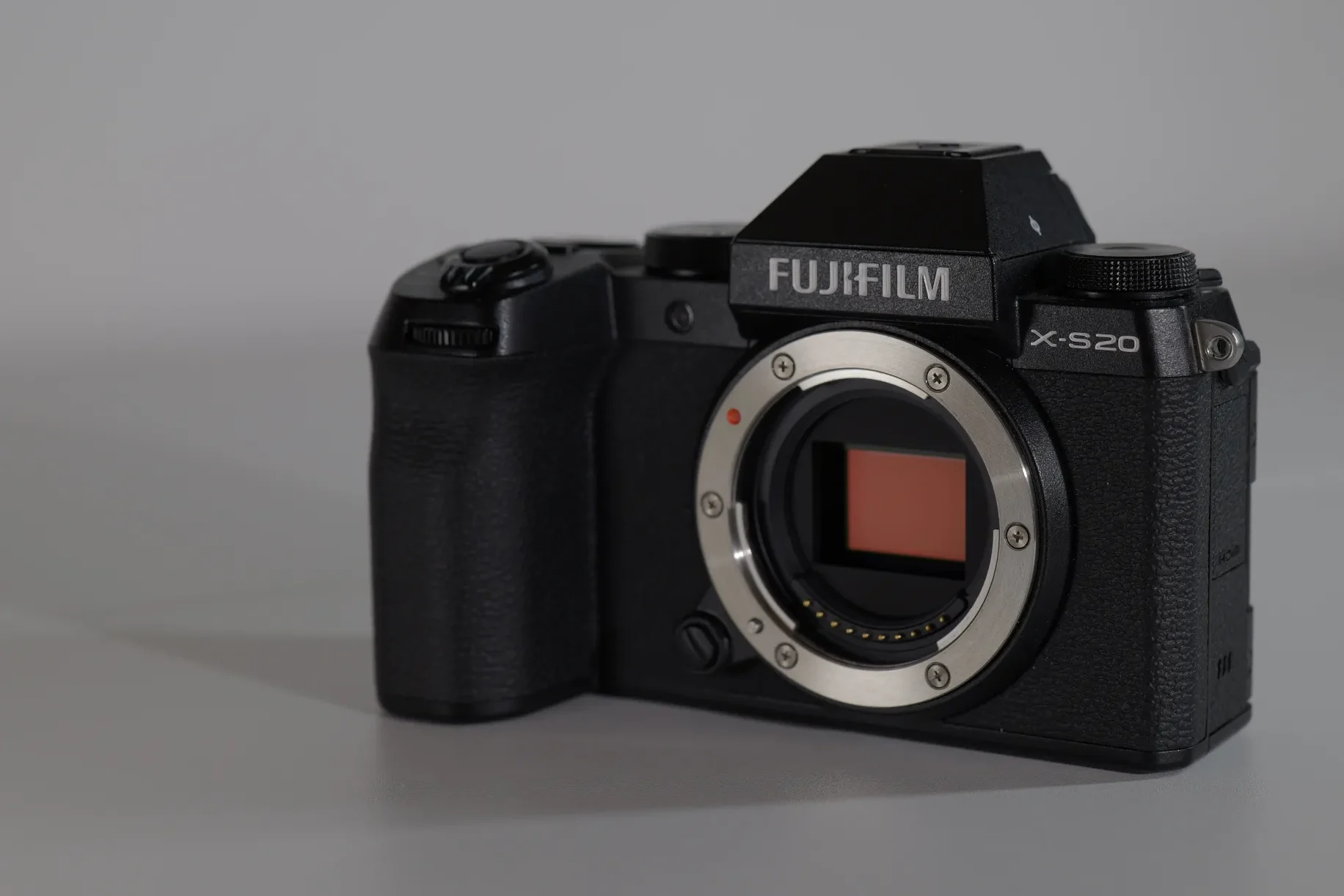
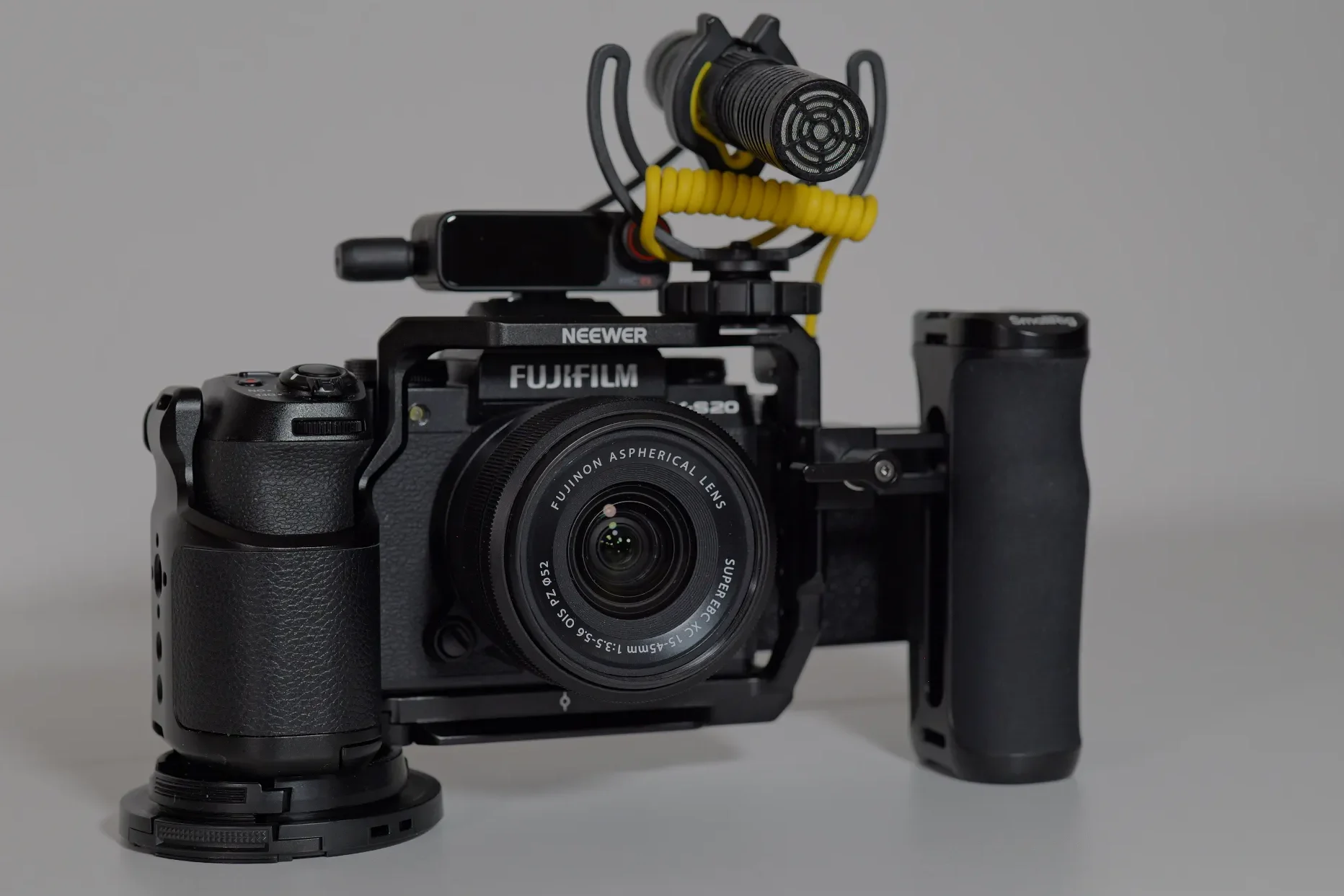
For on-the-go vlogging I have found that the IBIS + OIS combination with the Super ECB XC 15-45mm F 3.5-5.6 OIS PZ lens work well at 15 mm – I have even had good results with adding the boost, if I am careful and don’t pan when walking much. It is not Lumix level stabilization, but in my opinion it provides usable footage, with the right lens. Adding the digital stabilization worsens the image, so it the digital stabilization is not very useful.
Audio and overheating
As mentioned in the Cons section, there is a constant humming noise coming from the camera – you can hear it if you put the camera close to your ear. Some say it is due to the IBIS, other it is the internal fan, whatever it is if you are using the internal microphone, it will be present in the audio file. Now this is not such a big problem as you should always use an external microphone for best audio quality – a lavalier mic, shotgun microphone on a stand (not on the camera) or wireless microphone set will completely mitigate the internal sounds and you will have excellent audio.
When it comes to overheating, in 4K 24/25/30p modes you should not have a problem. With higher frame rates it also produces average results:
I tested it in 4k 50p (4:2:2 LongGop 200 MBS (normal energy mode)) at 26C/79F the camera was at 54 minutes when I turned it off – the heat warning was on red (max) and I did not want to stress it further – these results were better than previously published results from other testers (about 35 minutes of recording time). I could have tested it at higher 360 MBS and in All-Intra, but these results were good enough for me. Using 4k 60p for longer periods of time is for very specific cases such as shooting weddings/sport events – for longer sessions you would probably need an external fan such as this one.
In 6k open gate 25p (4:2:2 LongGop 200 MBS (Boost energy mode)) at 26C/79F the camera lasted for about 50 minutes before the warning came on – then the camera started behaving strangely with the picture becoming reddish and the autofocus started hunting. I would say the limit would be 40-45 minutes in these conditions, which again is a better result than what is published online (around 30 minutes).
Ergonomics
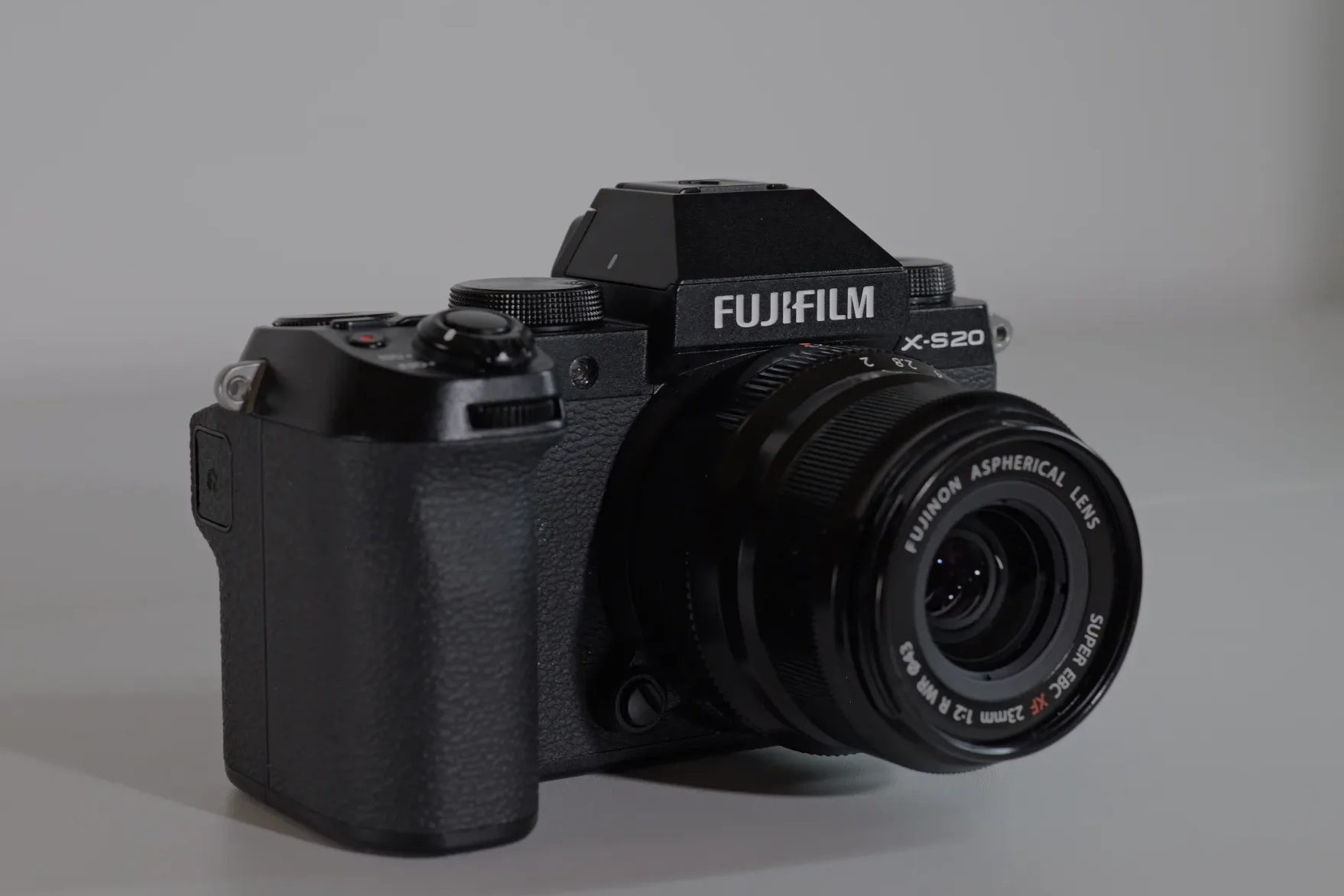
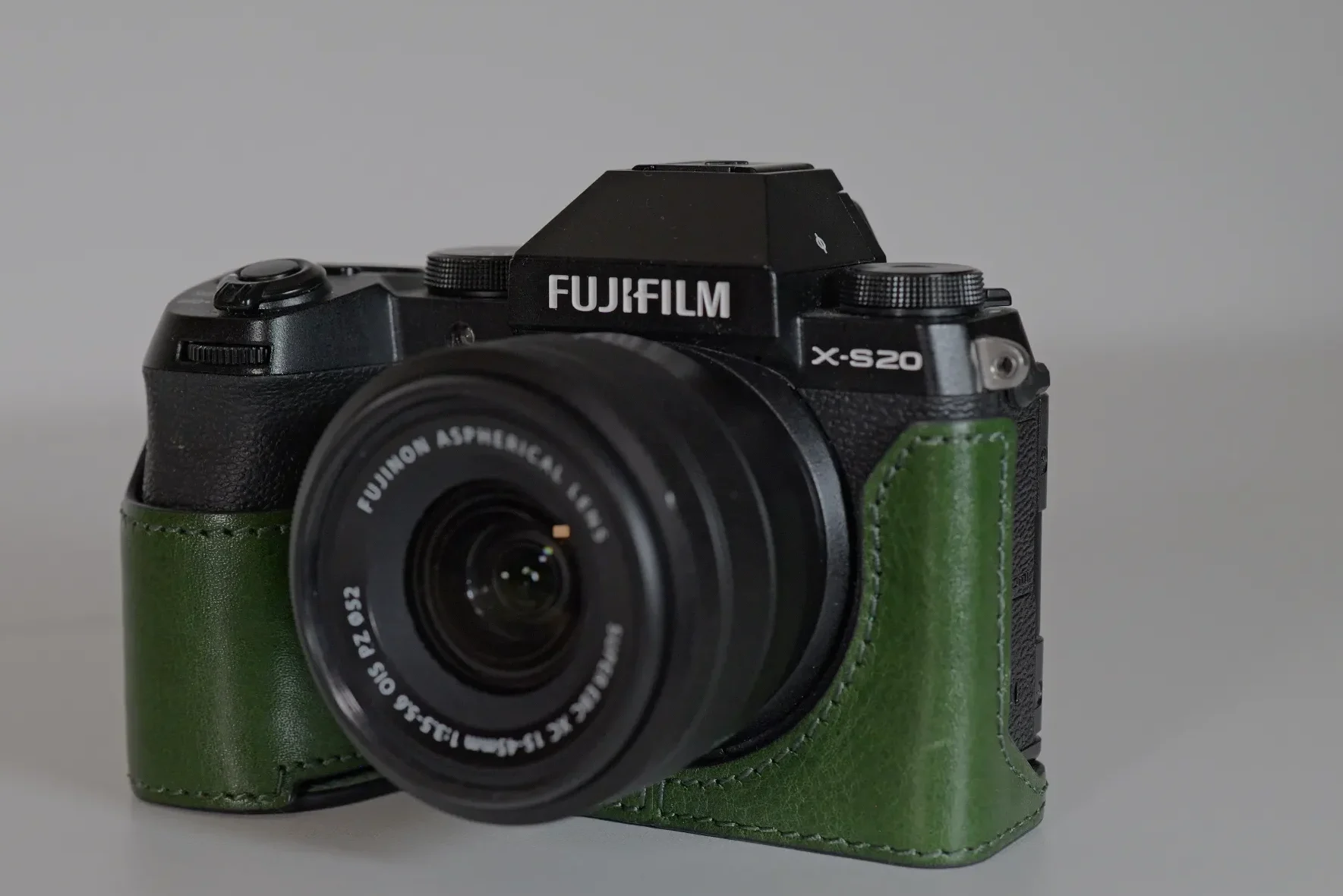
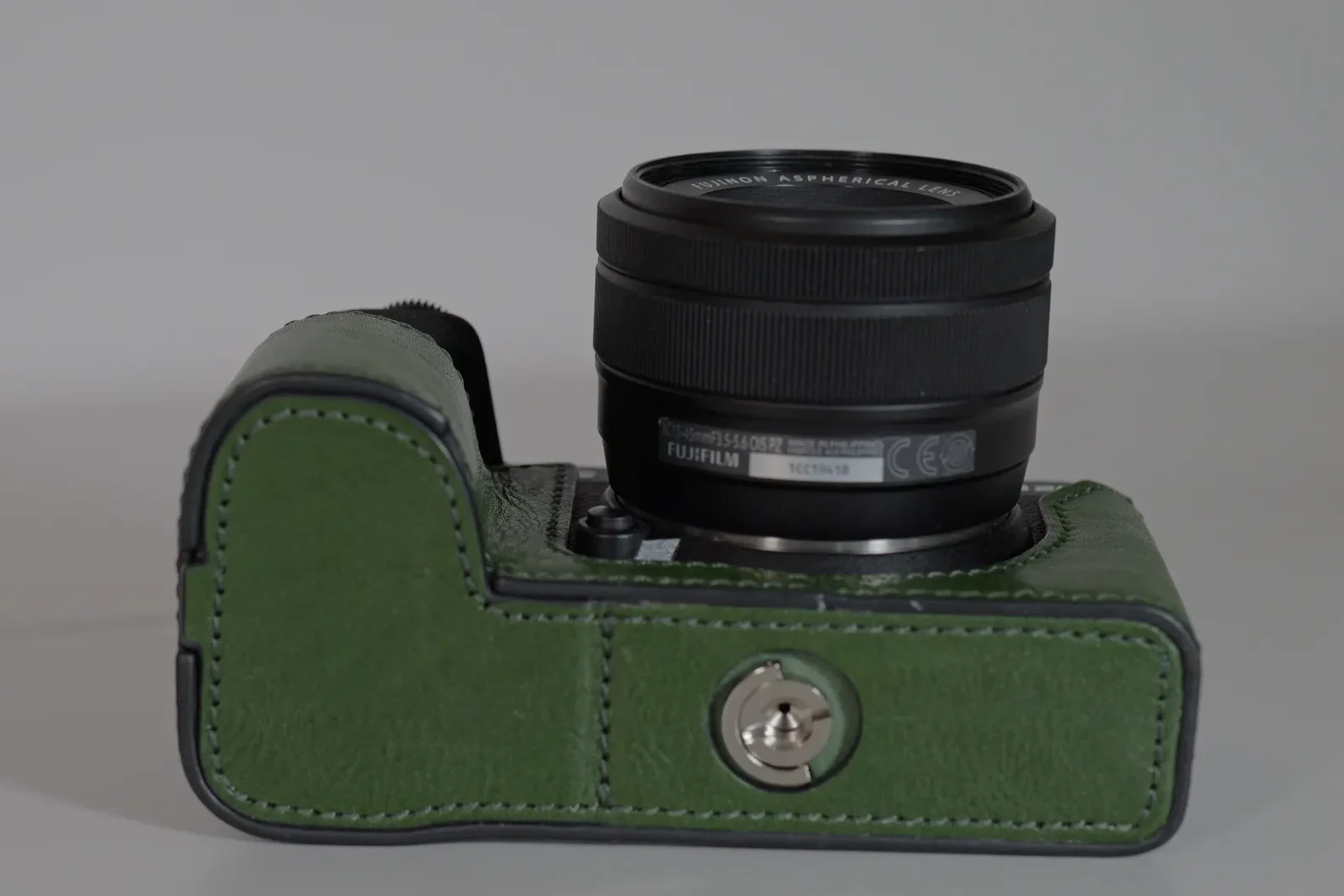
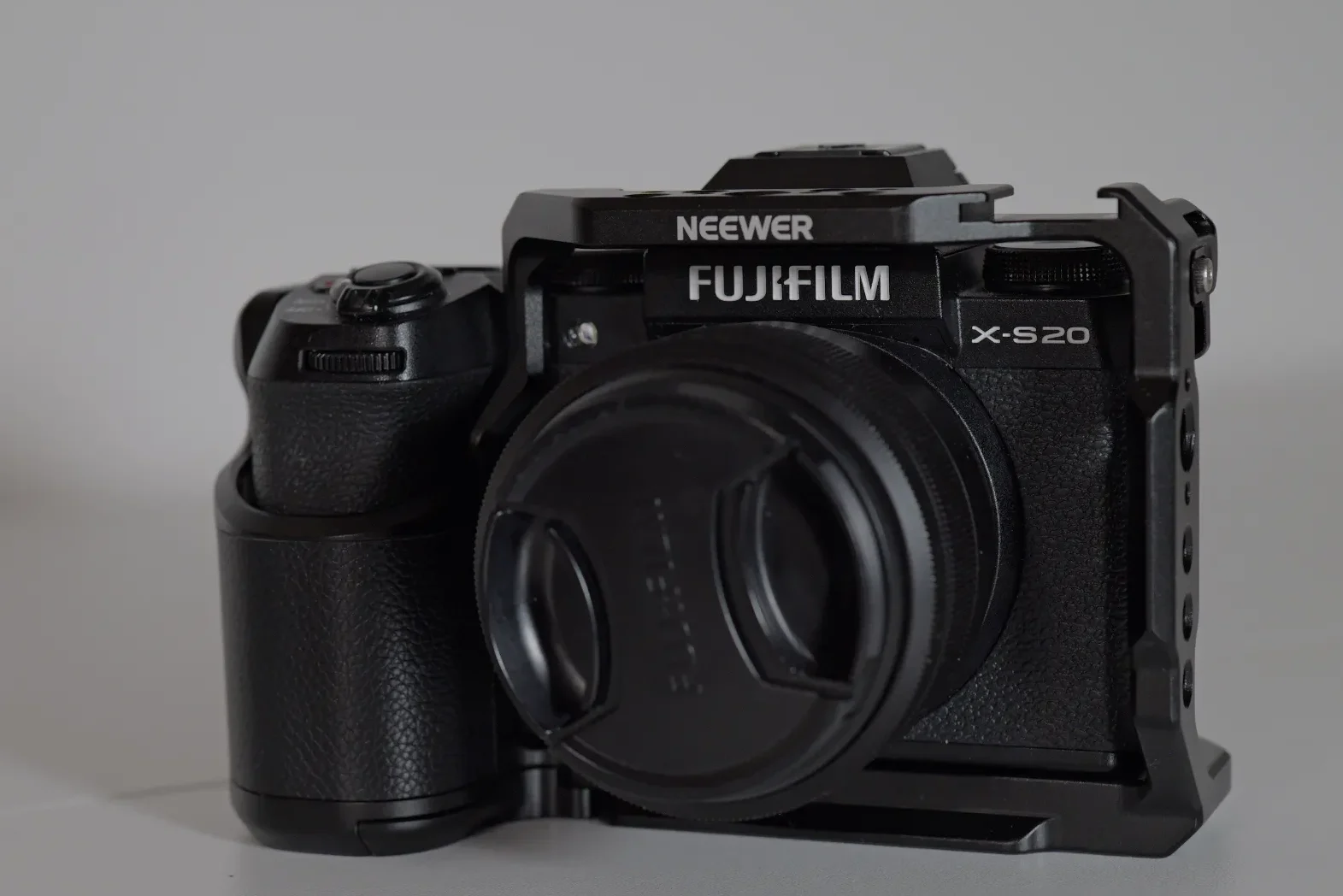
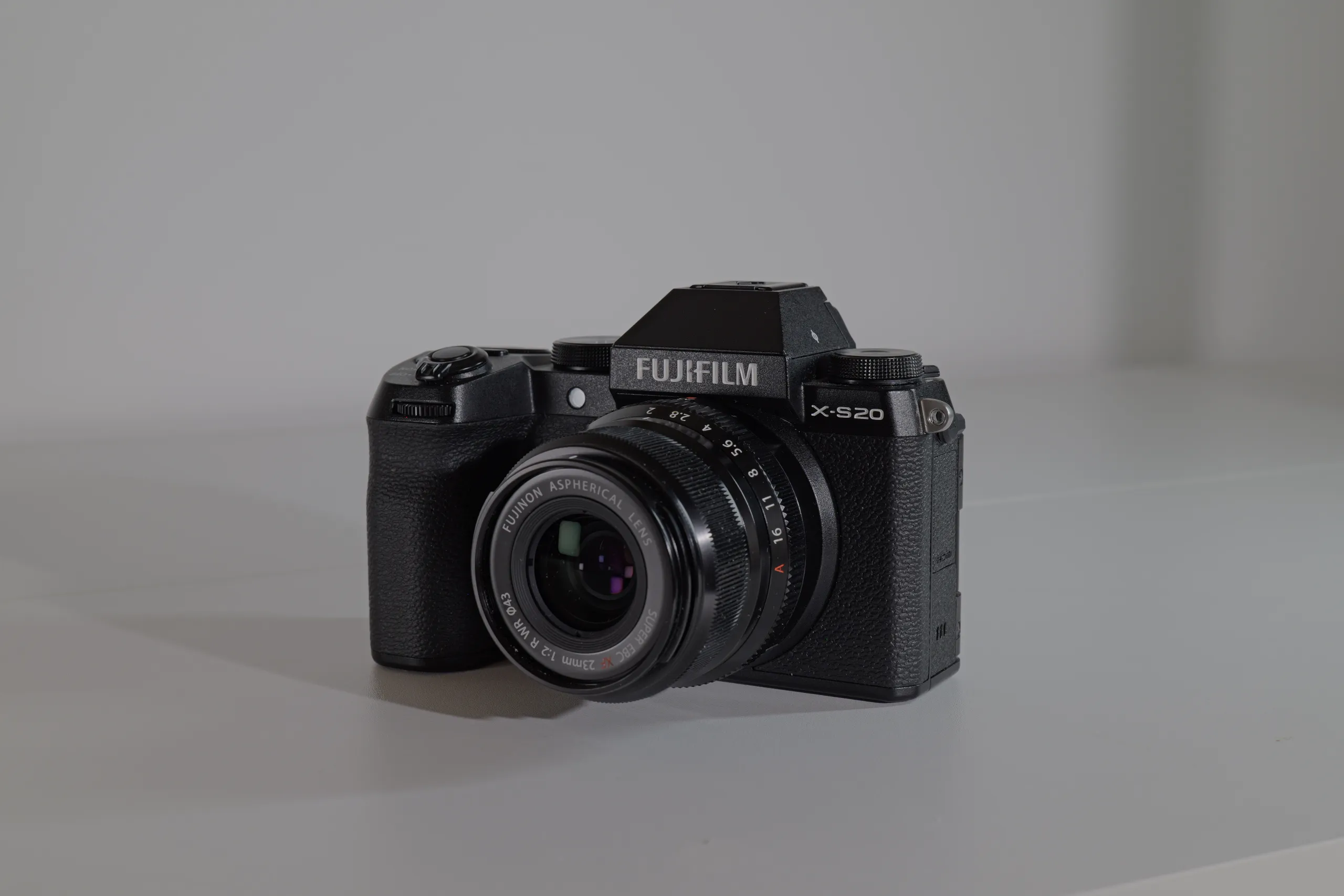
The X-S20 has a classic camera body design, with a nice grip, protruding centrally placed EVF and 3 top plate dials. It feels good in the hand and being just under 500 grams really give it a compact feel. For my hands the grip is a bit too short, so I added the MUZIRI KINOKOO Fuji XS20 Case to make it slightly longer, for my pinkie to feel comfortable and bulkier, so that my long fingers are not so bent and pressed towards the lens. This depends on the lens I you use – bigger lenses are more uncomfortable for my fingers as they touch the base of the lens.
The Menu
I like the Fujifilm menus, they are clear, everything is where it is supposed to be, unlike the Nikon menus, where you are chasing settings all over the place. In the Movie Setting > Movie Setting List you have a nice overview of you video settings and I appreciate that for each movie mode, you can choose image quality, codec, MBS and film simulation all organized in one place. Fuji is also the only camera brand that I know that shows you the exact crop factor on your display, also taking into account digital stabilization mode crops. The one annoying thing that frustrates many users, including me, is that Fuji separates the subject detection from the face/eye detection setting – when you have on one the other one is off automatically. That is something I wish Fujifilm would fix and give us also an Auto detection option like Nikon has had for a while – autofocus is really not Fuji’s forte.
Button layout and dials
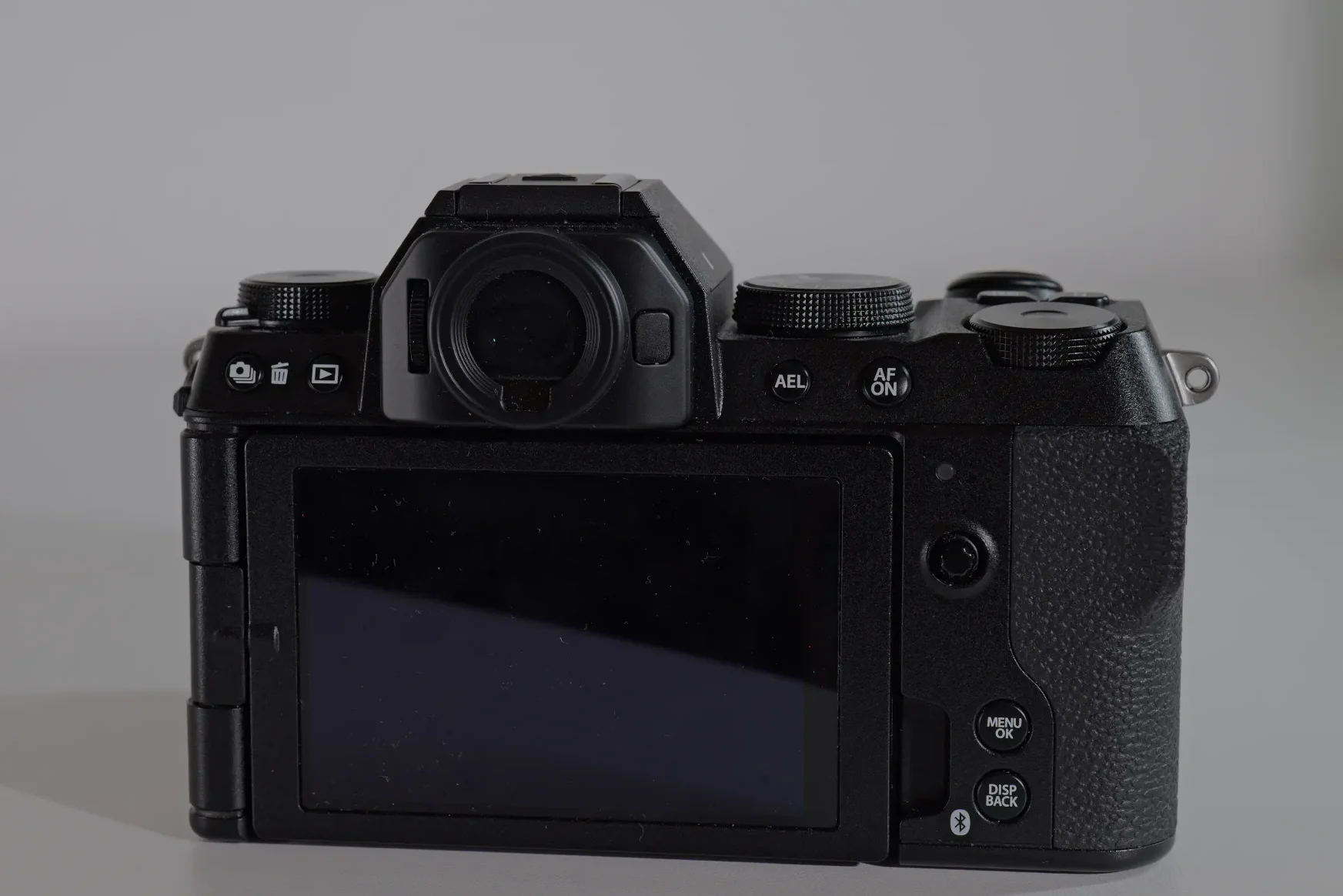
The X-S20 has a minimal approach to the number of buttons available on the back and the top plate 6 + 4, very similar to the Lumix S9 which has 6 + 3 button layout. The two Menu/Ok and Disp/Back button are embedded into the frame of the camera and very difficult to find with your thumb – there should be more of a pronunciation of the button shape to be improve ease of use. The top ISO and Q button are a placed to far right and my finger struggles to press them comfortably. I also don’t like that the playback and delete buttons are placed on the far left backside of the camera – I prefer all my most used button to be on the right side in thumbs reach.
I do like that the PASM dial is on the right side allowing for a quick right hand thumb-finger switch between the various modes. Speaking of witch, the X-S20 has 4 programmable custom modes, which you can set to photo or video, a video mode plus the vlog mode – this allows you to have up to 6 different custom video setting, one for each mode. This is more than enough for most users – as an example I (ideally) set mine to 4K 25, 4K 60, 6K open gate 25p, 1080 240p, 6K 16:9 25p and a custom picture profile.
The X-S20 also has a top left dial which is set to Film Simulations by default (switches to exposure compensation when in M mode) and allows you to switch between the 14 available film simulations ( and see preview on your screen/EVF). What I appreciate is that you can assign this dial to other settings as it is not fixed to film simulations as on other Fuji cameras, such as the X-M5. On the same dial there is also a flash switch which opens the pop up flash – a welcome feature you don’t see much on newer cameras.
Compatibility and firmware notes
Full firmware history and tested lens and adapter notes for the Fujifilm X-S20 — updated as new firmware ships.
OPEN COMPATIBILITY ENTRY →Recommended accessories
Foto4easy xs20 cage for Fujifilm X-S20 Camera – budget alternative to the Smallrig if you need a cage.
MUZIRI KINOKOO Fuji XS20 Case – nice leather case for a better grip – fake leather version too.
Large Silicone Eyecup Eyepiece for Fujifilm X-S20 – to improve the light isolation on the viewfinder
NP-W235 Dummy Battery Power Supply with USB DC Coupler Replacement for Fujifilm – for longer recording sessions
Final verdict
The Fujifilm X-S20 is a great beginner camera and offers much for what it costs. It sits in a strange place on the camera market, with just one true same tier competitor – the Sony a6700. Besides Sony, Canon and Nikon don’t have a mid-ranged video focused cameras – one could argue that the Canon EOS R7 is in the same mid-range area, but that is a high megapixel photography focused camera with huge crops in high framerate modes (which can be a plus if you are shooting wildlife/sports).
The X-S20 is well designed, has a great battery, EVF, Film simulations dial and a specific vlog mode – the only thing that is holding it (Fuji in general) is the issues with the autofocus, not being as evolved and reliable as in other camera brands. Fuji has tried to make it better with firmware upgrades, but it seemed to get worse and some even reverted to the older firmware versions to have a better autofocus experience. To be honest I don’t think this is a priority for Fuji, despite the fact that they say it is. With the rumored upcoming next 6 generation of cameras supposedly coming in the 4TH quarter of this year, I think Fuji will focus on the new cameras and leave the previous generation as it is – hopefully I am wrong.
FAQ
Related content
-
The Fujifilm X-S20 – an all-in one compact camera
Read more: The Fujifilm X-S20 – an all-in one compact cameraIntroduction to the X-S20 The X-S20 is Fujifilm’s mid-tier compact hybrid camera designed and targeted for vloggers and content creators. It inherits from Fujifilm X-S10 (2020 release) the excellent 26.1MP APS-C X-Trans CMOS 4 (backside-illuminated) sensor and pairs it with the newer X-Processor 5, a bigger battery (NP-W235 from the NP-W126S), significantly improves on the…
-
Which Fujifilm should you buy for content creation?
Read more: Which Fujifilm should you buy for content creation?The X-S20 and the X-H2S top of their line content creator Fuji cameras; one is an APSC mid level camera with a classical design, EVF, IBIS, 6.2K open-gate 10-bit and pop up flash. The other is the top of the line video focused hybrid camera packed with many premium features that can go head to…
-
Fujifilm November 2024 Firmware Update for X-H2s, X-H2 and GFX100 II Fixes Autofocus Issues
Read more: Fujifilm November 2024 Firmware Update for X-H2s, X-H2 and GFX100 II Fixes Autofocus IssuesFujifilm just dropped the highly anticipated firmware updates for its X-H2s, X-H2 and GFX100 II and the first feedback form usurers is positive! Update versions 7.10 for X-H2s, 5.10 for X-H2 and 2.3 for GFX100 II have all include “Improved AF focusing accuracy and AF tracking” with the vague description of “The AF algorithm has…