Canon EOS R8 – the smallest 6k full frame camera for content creators
Introduction to the Canon R8
The Canon EOS R8 is a slimmed down version of the excellent Canon EOS R6II with all its features crammed into a Canon EOS RP body. From the R6II it inherits the 24.2 MP full-frame CMOS sensor, DIGIC X processor, the excellent Dual Pixel CMOS Autofocus II system, 4K 60p uncropped, and many other useful features (Focus bracketing/stacking, multiple exposures, RAW burst with pre-shooting, Movie Digital IS…). The main differences are in the price ($1000 difference at launch) and the hardware; no IBIS, only one card slot, no (full) mechanical shutter, a smaller battery, no joystick, fewer buttons, and a lower resolution EVF.
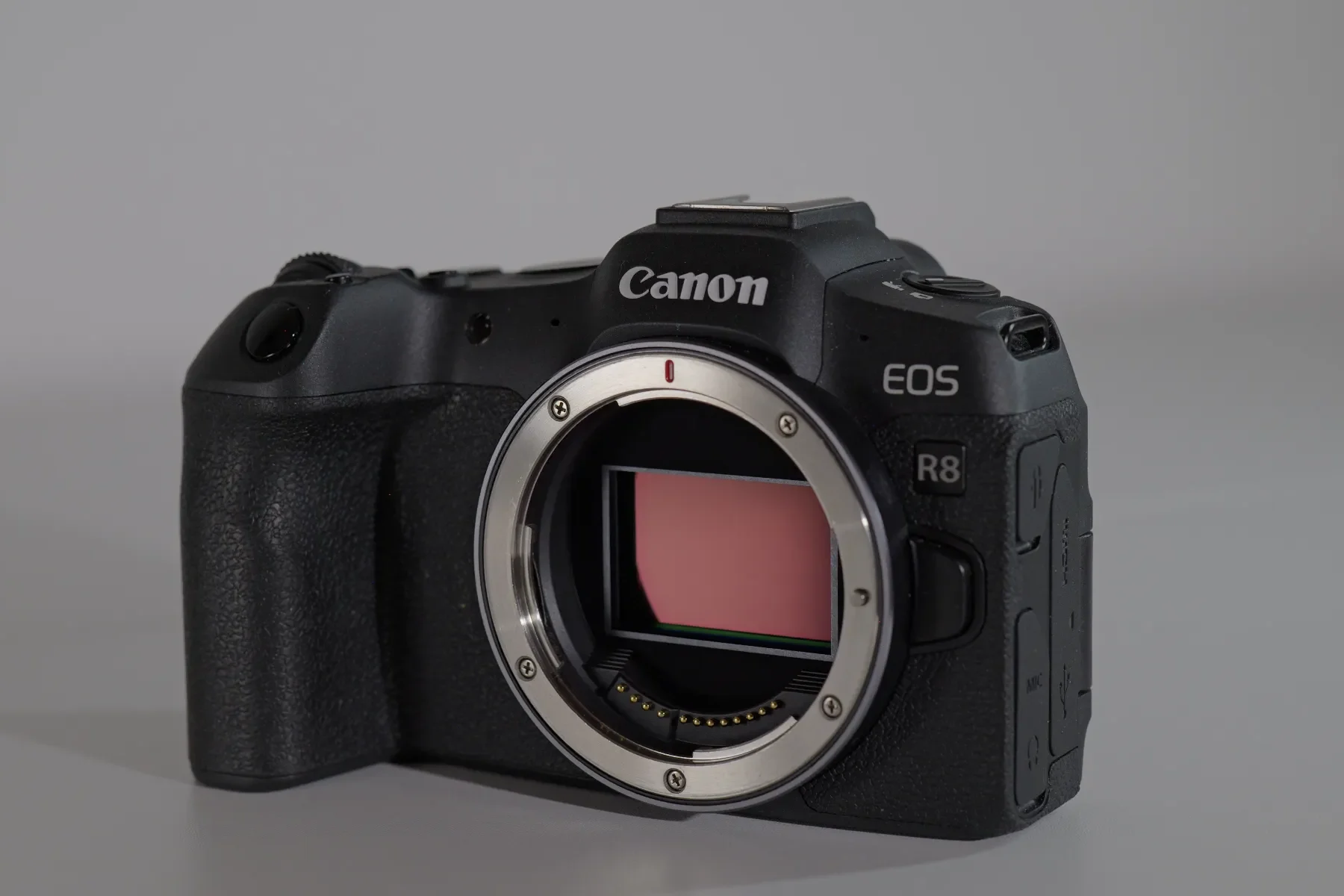
Despite it being a 3-year-old camera (released in April 2023 along with the Canon EOS R10) and the rumors of the mark II version coming soon (mid-September 2026 release) it still offers amazing value for the price, especially if you get it refurbished or on the second hand market (45 available used from $1,059 – $1,21 Used Canon EOS R8 | MPB). I got mine in February 2024 as I wanted to have the full frame look, in Canon color science and at a budget cost. It did not disappoint and with the Canon RF 50mm F1.8, that I got along with it, it provides a great budget combo for professional looking talking head videos and b-roll.
PROS
CONS
|
WHAT MATTERS FOR CONTENT |
CANON R8 |
LUMIX S9 |
|---|---|---|
|
Stays in focus on your face while moving |
Yes, smoother and reliable |
Yes |
|
Good in a dim bedroom setup |
Better with added lighting on subject |
Backlight can be a problem for AF |
|
Overheating |
Yes, at 4k 60 p and higher frame rates |
Yes, at 4k 60 p and 6k open gate |
|
In-body stabilization |
No, only electronic stabilization |
Yes, IBIS + E-stabilization + Boost |
|
Price (body only) |
$1,349 |
$1,064 |
Talking head test (AF test)
Canon’s autofocus in the newer cameras is excellent, very reliable and beginner friendly as you don’t need to tweak any setting for it to work – it is second only to Sony. It does not offer as many types of different subject detection as other camera brands do (Auto, People, Animals, Vehicles), but it does have the Auto subject detection option, which is very useful, and the AF tracking mode compensates for limited range of subject detection modes, as it is very sticky and reliable.
If you want to tweak the autofocus setting, the R8 offers many customization options; the one that stands out and is not present in many other camera brands is the subject detection AF options (found in Menu > AF > 1 > Movie Servo AF > Subj. detect. AF)).
You can set it to Detect only or Detect priority, the detect priority prioritizes the subject type you set in “Subject to detect,” but if that preferred subject is not found, it will still focus on other subjects in the AF area. Whereas the Detect Only if the camera does not detect that specific subject type (human face), Movie Servo AF stops – it remains in the focus plane that the face was when it left the focusing area. This can be very useful if you don’t want the camera to focus on the background if you leave the frame – can look very cinematic.
B-roll, handheld footage and vlogging
The Canon R8 is a perfect camera for talking head videos, offering good skin rendering, sticky and smooth autofocus in a full frame look. With the budget Canon RF 50mm F1.8 STM you have a complete setup for talking head videos. If you want a wider field of view you will have to pay more for the Canon RF 35mm IS Macro F1.8 STM or the RF 24mm f/1.8 Macro IS STM – this is where Canon struggles, lens selection as it still does not allow third party lenses for their full frame line.
For vlogging on-the-go, the lack of IBIS is noticeable and only electronic or electronic stabilization + lens stabilization (in the lenses the have IS) is not enough – the footage is not very steady and there can be wobbles in the corners. It is better that you find a nice location and use a tripod for these kinds of shots.
For B-roll it is a similar story, the missing IBIS make it difficult to do nice steady panning movements – you can mitigate the jittery footage by using a cage and a side handle, while being very deliberate in your movements, so applying movie techniques to achieve usable footage. Also in this case a tripod with a handle can be a life saver.
Audio and overheating
The R8 comes with a microphone and a headphone input on the left side of the camera – this allows for monitoring and attaching of an external microphone. I found the internal microphones to deliver a surprisingly usable sound – the only issue was the focusing motor of the Canon RF 50mm F1.8 STM could be heard in the video. Like with all other cameras, the use of an external microphone is advised to achieve the best audio quality.
In overheating tests, it preformed lower to the Canon official published guidelines (4K UHD 59.94 / 50 fps – 23°C / 73°F – Approx. 40 min) and more comparable to the results other users had.
In 4k 60p IPB H.264 8-bit at 26C/79F the camera shut down at 41:00 minutes, due to battery being drained. The overheating indicator reached 9/10 so it would not have lasted much longer. In 4k 59.94p HDR IPB H.265 10-bit at 26C/79F I stopped the recording at 24:54 seconds as the overheating indicator was at 9/10.
My last test was with a dummy battery 4k 59.94p C-Log3 IPB H.265 10-bit at 26C/79F lasted the same as with the internal battery 24:00 sec before I shut it down. The dummy battery did not help in preventing the overheating of the camera at 4K 60p, as the body was hot to the touch and the overheating indicator was at 10/10 when I shut it down. In normal 4k 24p C-Log3 IPB H.265 10-bit at 27.4C/81.32F the recording stopped at the 2:00 limit; the overheating indicator was at 5-6/10 but never reached the red area.
For longer recording sessions at 24/25/30p I would recommend a dummy battery such as this one LP-E17 Dummy Battery for Canon EOS R8 – it is cheap and you don’t have to stress about your batteries running out on longer takes.
When using higher frame rates, there are recording limits; at 119.88/100.00 fps: up to 30 minutes and at 179.82/150.00 fps up to 20 min. I did not test them as with these framerates you usually record shorter clips.
Ergonomics
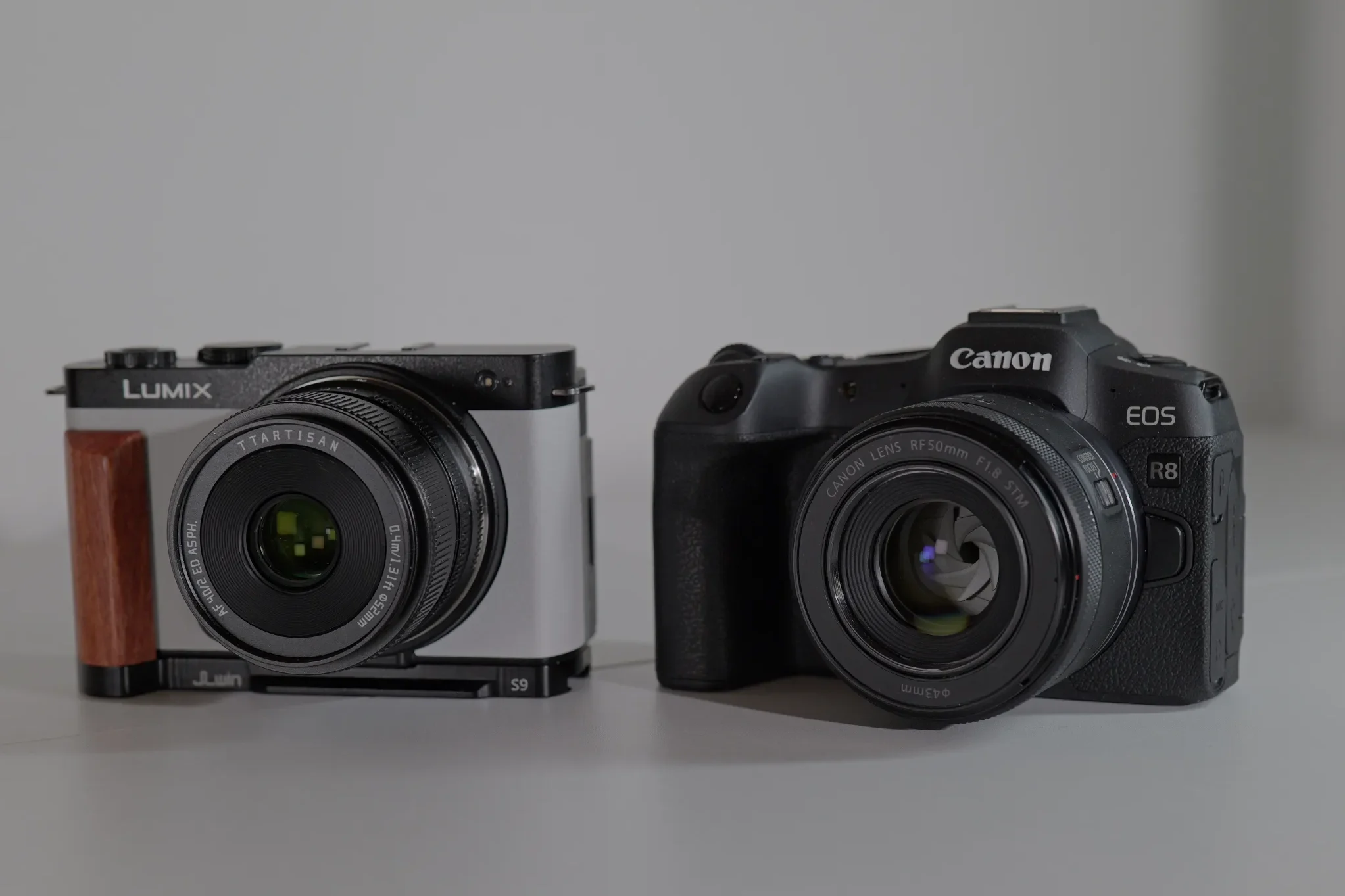
Even though this is a relatively small camera it has the best grip, in my opinion. Not only for the ergonomic design, but also the texture of the rubber material that is on the grip – feels really nice in the hand. The slight grove that separates the three bottom fingers form the index finger is well designed, allowing for a secure and comfortable hold of the camera.
I choose good ergonomics over style every time, so give me a good comfortable grip and ergonomic camera layout and my hands/fingers will thank you. Without the additional grip, which you have to buy separately, the camera is very uncomfortable to use and practically all S9 users have had to buy one (I have two actually the FOTGA S9 Quick Release L Plate and the JJC HG-S9 L-Bracket Plate). The attachment grip does help to at least hold the camera securely, but it is not comfortable and adds unnecessary weight to what is supposed to be a lightweight system.
This lightweight camera rally shines with lightweight lenses, such as the Canon RF 50mm F1.8 STM or the RF 28mm F2.8 STM, with heavier lenses such as the RF 85mm F2.0 Macro IS STM, the weight of the lens imbalances the camera towards the left side, making it uncomfortable to hold with just one hand. I wish Canon would offer more lightweight primes such as a 40mm F2.0.
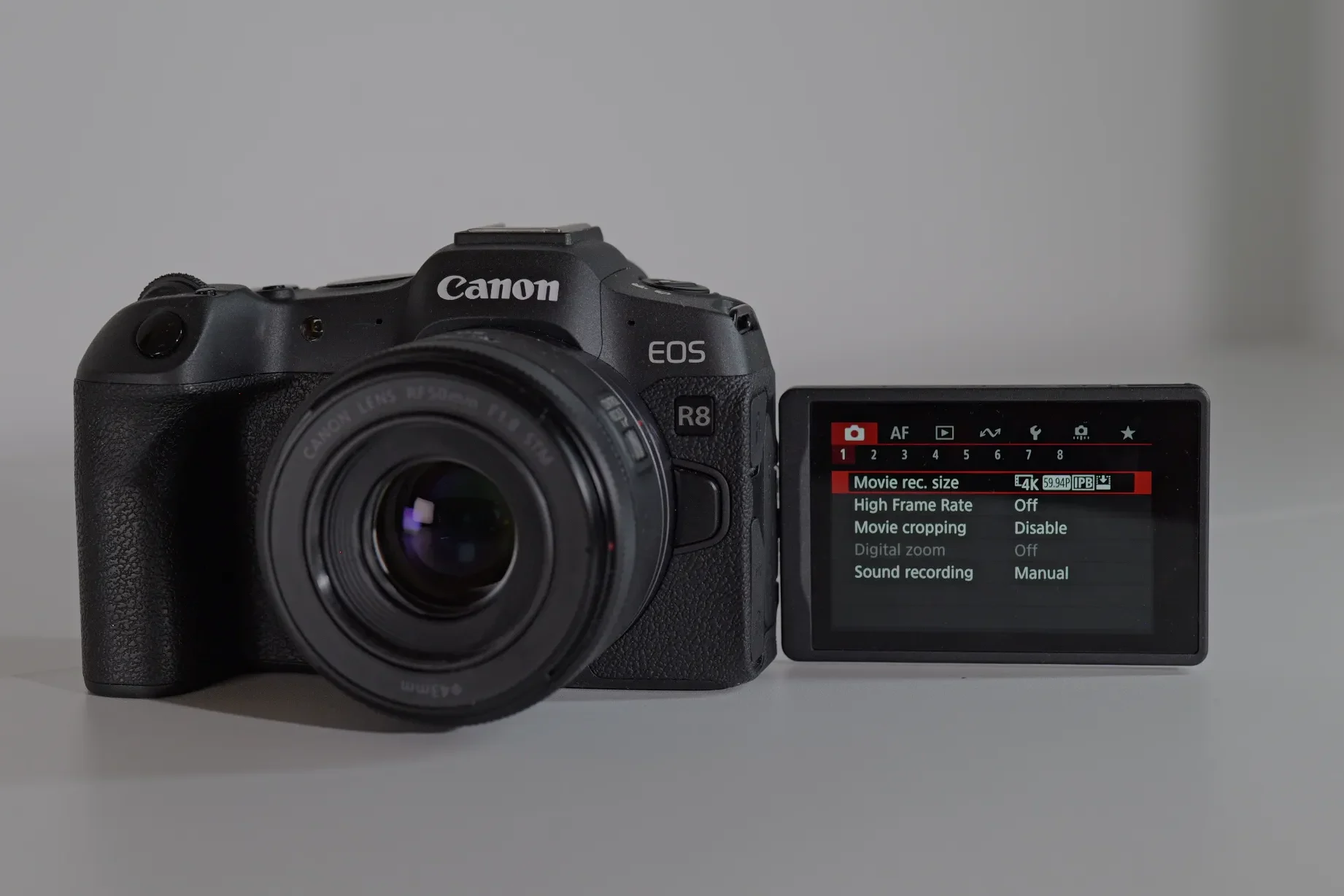
The Menu
The menus of the Canon R8 are reasonably good, they horizontally aligned instead of the usual vertical alignment, color coded and easy to use. Some of the features can be hard to find and using the My Menu option for your most used setting can spare you a lot of menu hopping time. The menus on the newer models are better, more clear and easier to use and find specific settings.
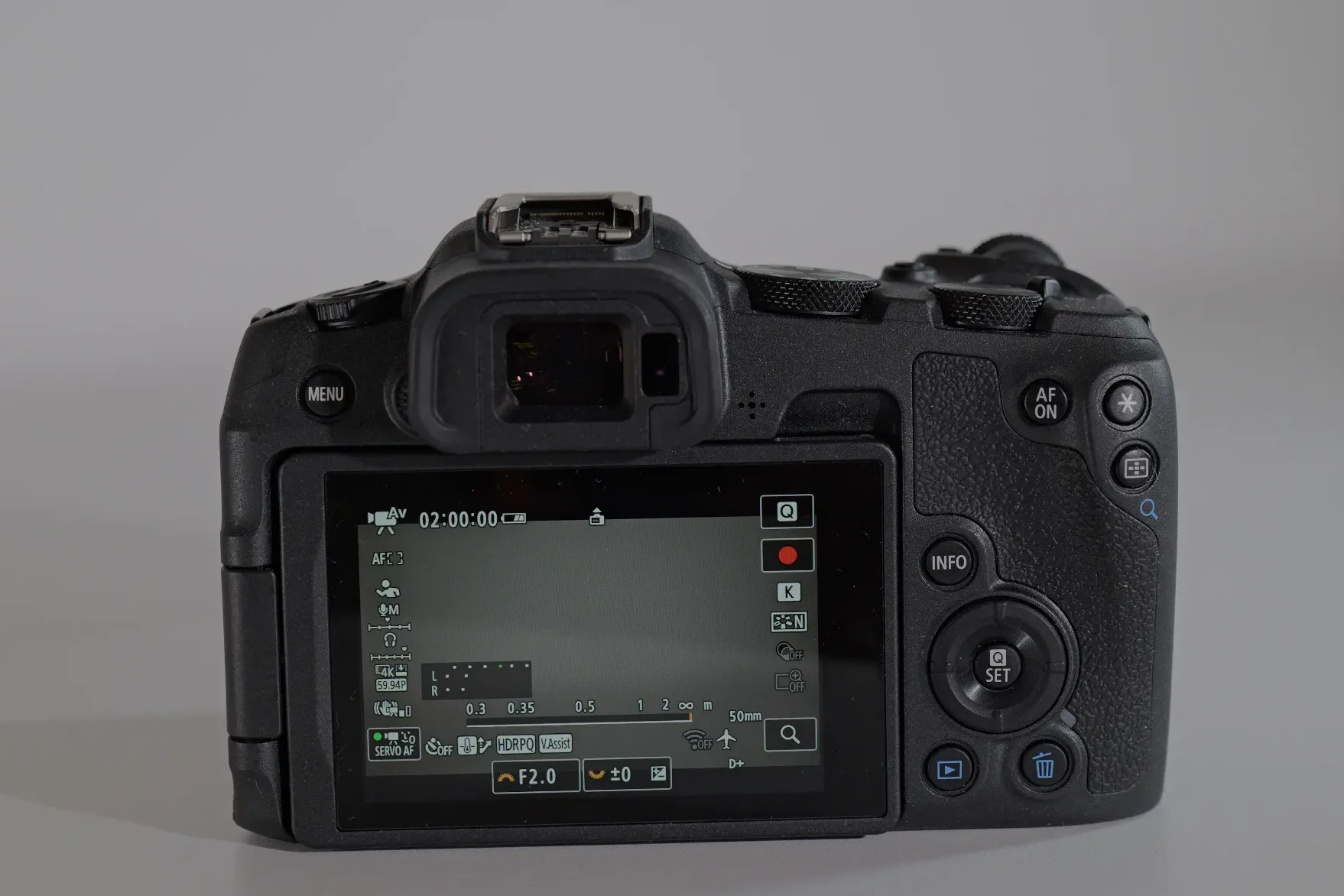
I don’t like the Quick setting implementation on the R8, it is less clear than on other systems, the icons are small and feel crowded. You have to get used to this system and the touch screen is very responsive so practice is necessary for optimal use.
Button layout and dials
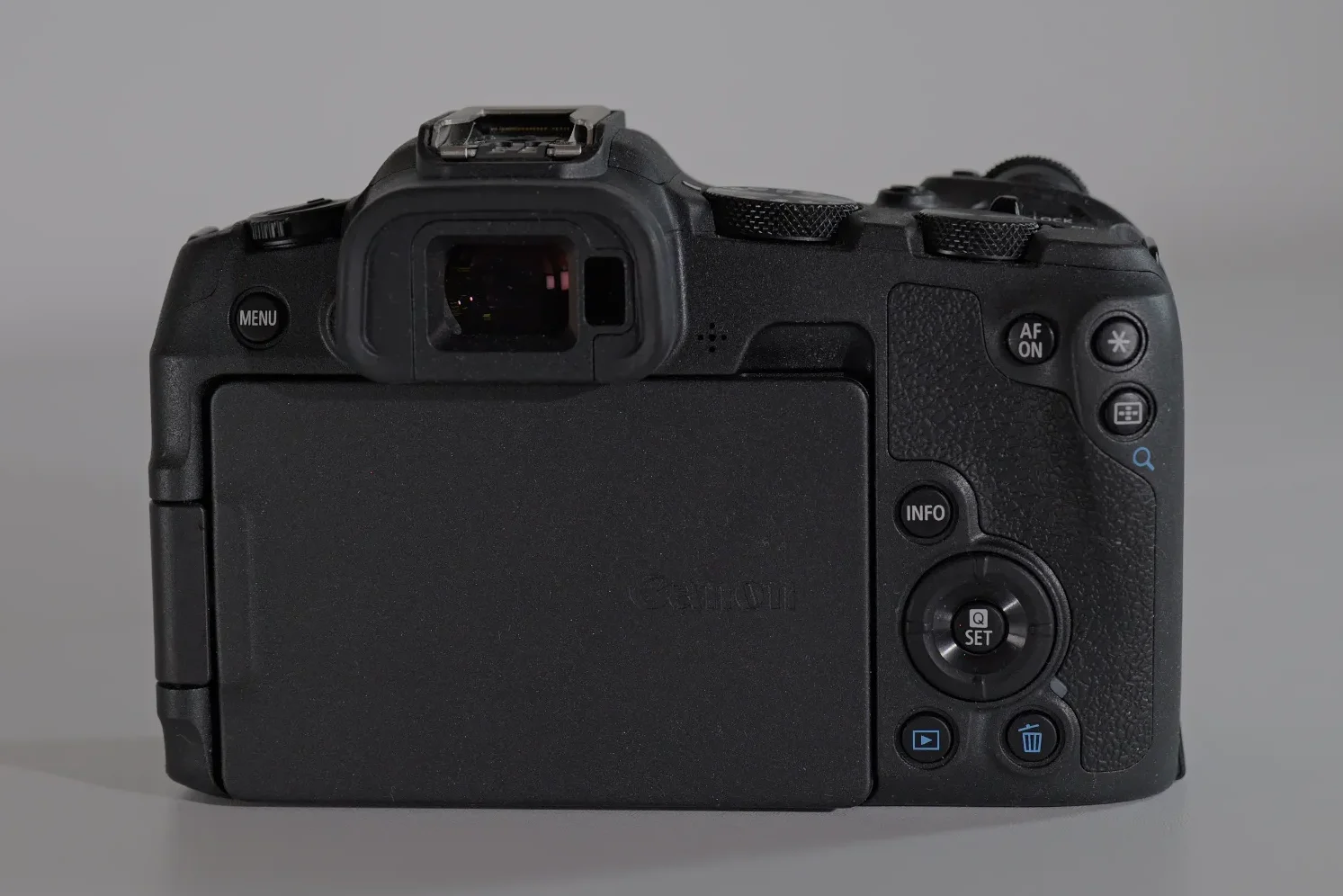
The buttons on the Canon R8 are somewhere in between a minimalistic approach and the full Monty of the Nikon Z50II. On the top plate it has a shutter, video record and a M-Fn button, that can serve as a triple setting select button, with white balance, AF area and picture profile being available as on default. On the back of the camera there are 8 buttons, three of them are easily accessible by the thumb and the menu button is the only one on the left side, in Canon classic style. I am not a fan of important buttons being on the left side as they disrupt my one hand operation of the camera. There is no joystick and this can be problematic for owners that use the joystick for operating AF – in the R8 you have to use the screen, which is not the same and feels less precise.
I do appreciate that it has a stills/video switch on the left top side, which allows you to quickly switch from stills to video, with their corresponding settings and 2 custom modes each. The PASM dial really tells you that this is a photography camera first with all the available basic and creative options (that you do not see on other more video focused cameras
Compatibility and firmware notes
Full firmware history and tested lens and adapter notes for the Canon R8 — updated as new firmware ships.
OPEN COMPATIBILITY ENTRY →Recommended accessories
K&F CONCEPT 3-Pack LP-E17 Battery and Upgraded 3-Slot LCD Charger – you will need spare batteries with this camera
LP-E17 Dummy Battery for Canon EOS R50, ACK-E18 Power Supply Adapter – for longer recording sessions at home/in the studio
SmallRig Cage for Canon R8 – if you need a cage for more steady b-roll, additional grip or protection of your camera
Ulanzi CU01 Camera Cooler – external cooling fan to extend your recording sessions
SmallRig Cooling Fan External System with TEC – SmallRig pricier version of the cooling fan
Final verdict
The Canon R8 is an excellent entry level full frame camera that gives you professional specs in a portable body. While this camera is intended for photography, its video features are more than enough for the majority of content creators. Its great autofocus, pleasing skin tones and ease of use makes it ideal for beginners, yet its professional features such as C-log3, H.265 10-bit 4:2:2 IPB format, false color, log view assist and uncropped 4k 60p downscaled from 6K, make it a great option for more experienced users.
The main thing that holds this camera back is that it has no IBIS and the low battery life. Both of these issues can be partially mitigated and are not so terrible in practice, but if we compare it to its closest competitor, the Lumix S9, the S9 beats the R8 in both of these categories. On the other hand, the R8 has an EVF, first curtain mechanical shutter, headphone jack, hot shoe, full frame 4k 60p, stills/video switch, and an actual grip.
FAQ
Related content
-
Canon EOS R8 Mark II – is it worth upgrading?
Read more: Canon EOS R8 Mark II – is it worth upgrading?The Canon EOS R8 Mark II was announced on the 15th of September 2026 as a successor to the popular entry level full frame Canon EOS R8. It is an upgraded version of the R8 with some importation additions as the inclusion of IBIS, added subject AF detection, and a separate side SD-card slot, but…
-
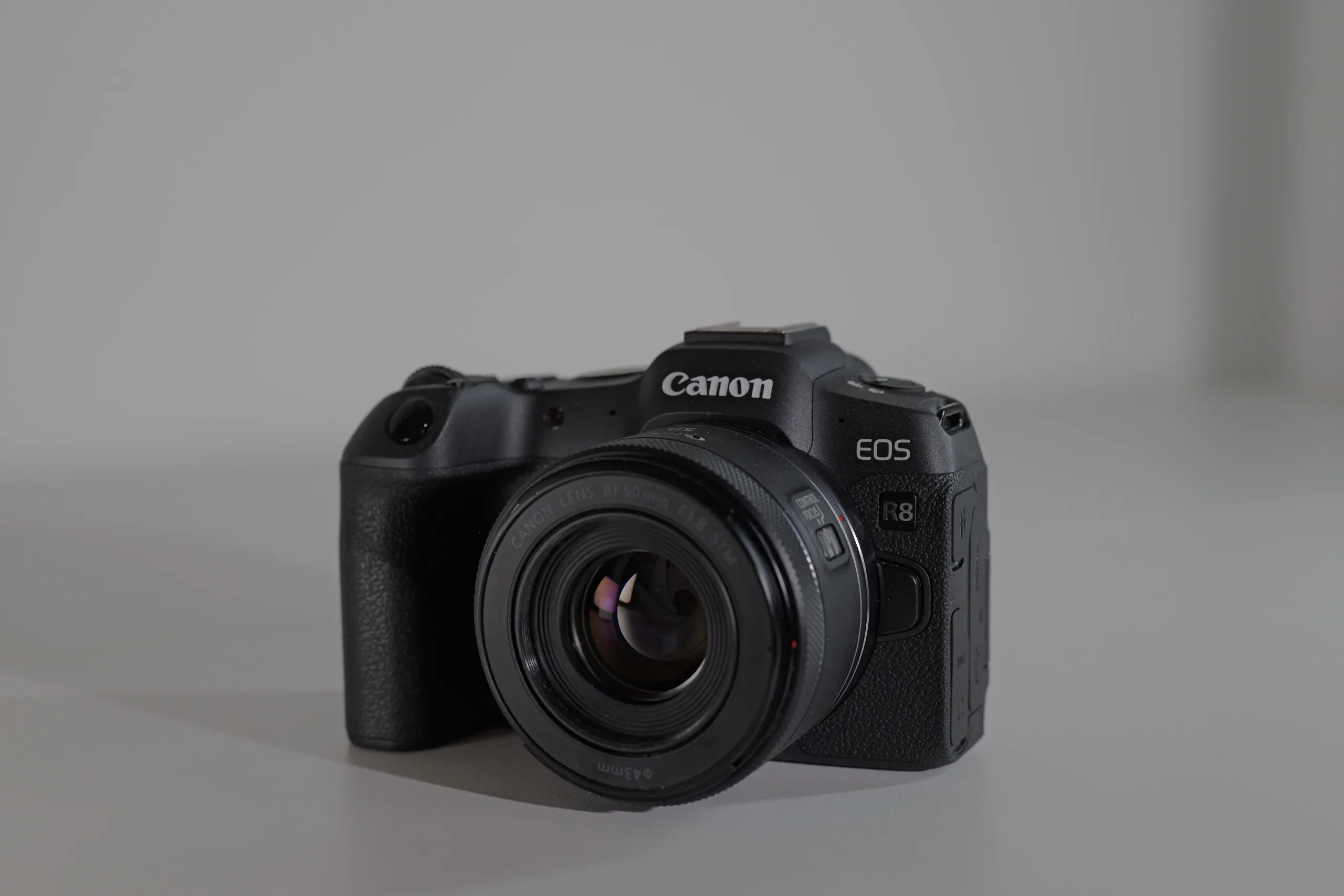
Canon EOS R8 – the smallest 6k full frame camera for content creators
Read more: Canon EOS R8 – the smallest 6k full frame camera for content creatorsIntroduction to the Canon R8 The Canon EOS R8 is a slimmed down version of the excellent Canon EOS R6II with all its features crammed into a Canon EOS RP body. From the R6II it inherits the 24.2 MP full-frame CMOS sensor, DIGIC X processor, the excellent Dual Pixel CMOS Autofocus II system, 4K 60p…
-
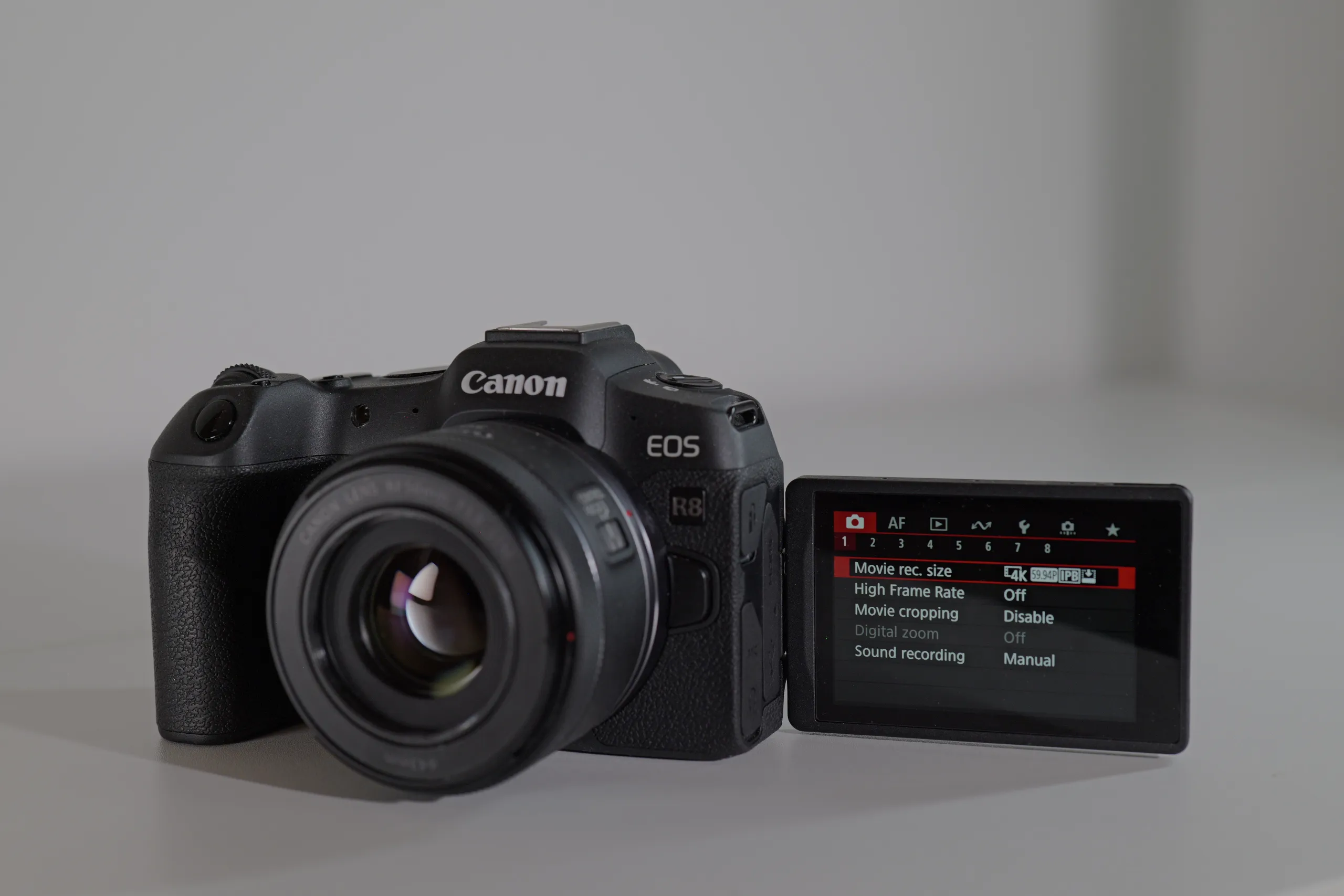
Canon R8 – best content creator full frame camera
Read more: Canon R8 – best content creator full frame cameraThe Canon R8 is the only real alternative to the Lumix S9 in its price range. The Canon EOS R8 is more of a true hybrid camera, with a viewfinder, hot shoe, headphone jack and electronic first-curtain mechanical shutter. It also has a comfortable grip (the most ergonomic and comfortable of all the cameras I…