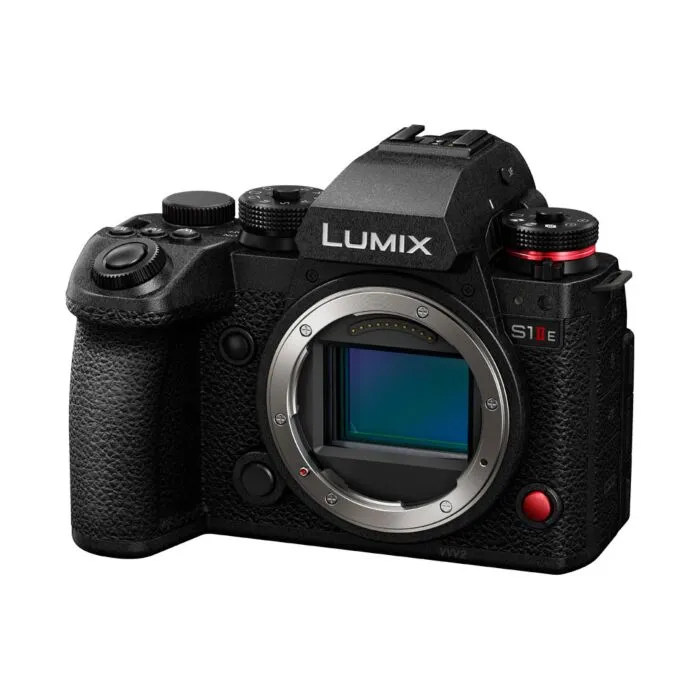
Panasonic Lumix S9 – the perfect vlogging camera
Introduction to the Lumix S9
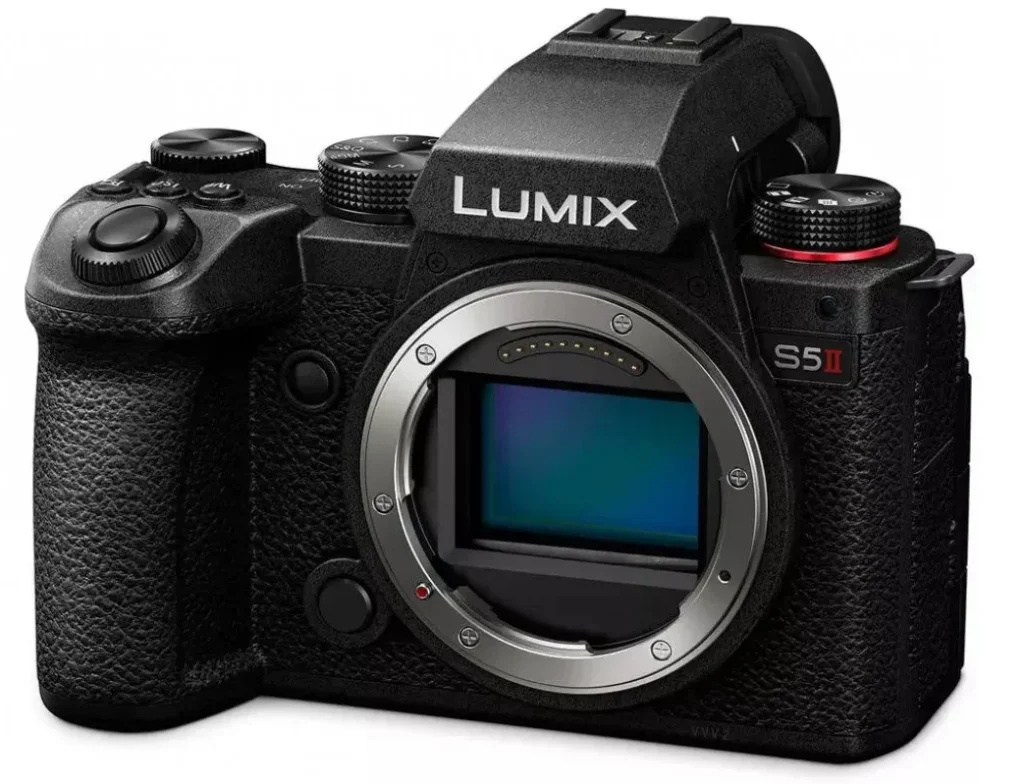
Lumix cameras have always been known for their amazing video features and the S9 comes with all the video specs of the professional Lumix S5II in a small compact body at just under 500 grams. It has the same 24.2MP full-frame BSI CMOS sensor, same IBIS, same battery, and same frame rate/resolution options (6K/30p open-gate, 4K/60p cropped, FHD/120p + S&Q 180 fps). The hardware is the main difference, the S9 has been stripped of all “unnecessary” elements such as the EVF, dual card slot, internal fan, full sized HDMI, headphone port, hot shoe, grip, and mechanical shutter. The S9 is built for compactness, portability and ease of use, as it is targeted for content creators/vloggers who want to make the switch from their phone to a real camera. It also follows the trend of having a camera as an accessory with various colors (red, olive, blue, black, white) and patterns to choose from and make it more personalized.
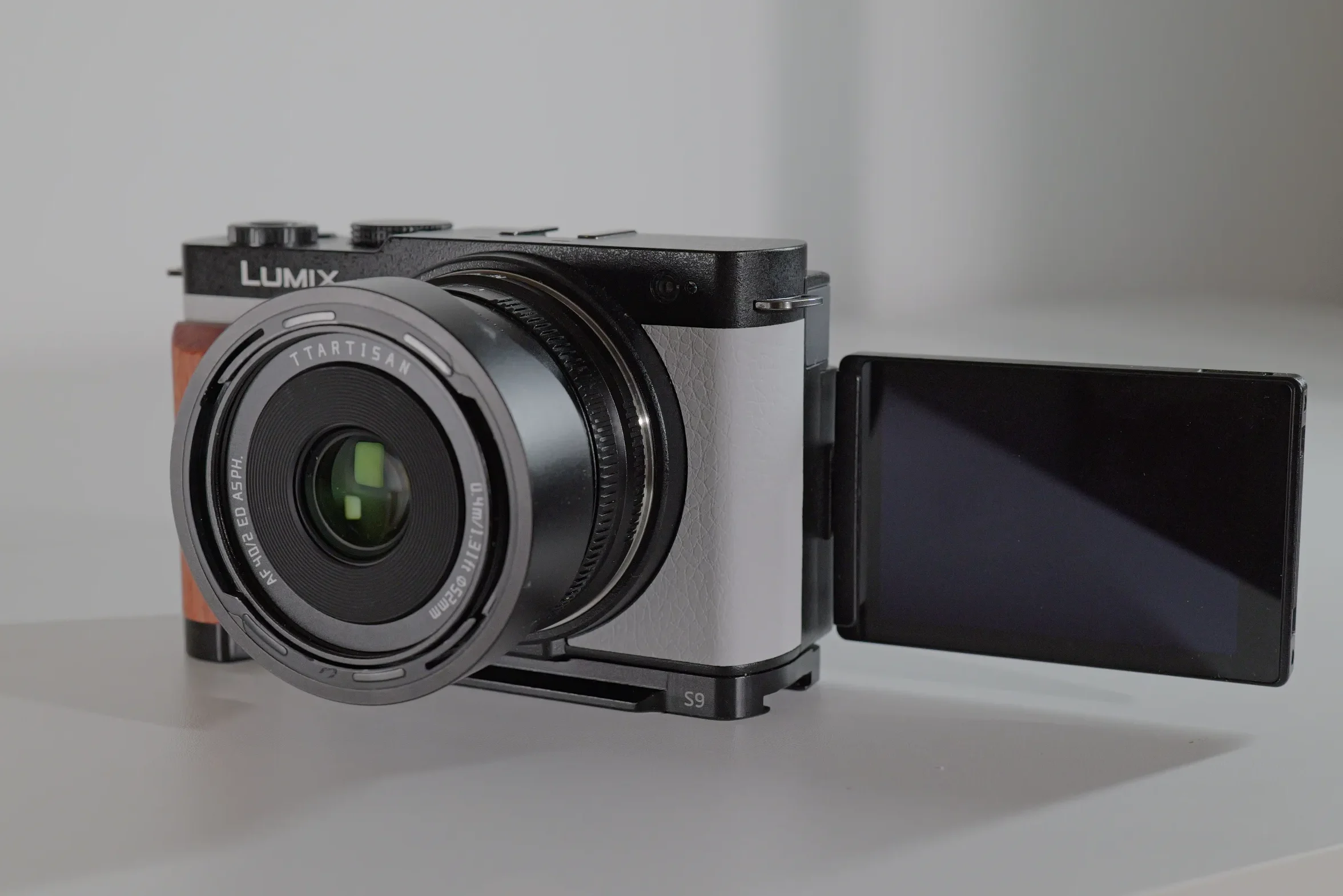
The small size and cuteness of the S9 is also why I decide to get one (I always liked limited white version) as I already had the professional S5II with some lenses and wanted a portable, full frame vlogging/EDC camera with excellent IBIS (a trait that is missing from my Canon EOS R8). The class leading IBIS and digital stabilization modes that Lumix cameras offer are second to none and one of the major factors in deciding to buy into this system. A steady usable shot is what you want as a vlogger/content creator along with good autofocus. And the autofocus was the Achilles heel of Panasonic for years – their insistence on having the DOD autofocus was/is the major contributor of their current and past position in the camera market (5th place with 4.4% market share, source dclife.jp).
The final jump from the antiquated Contrast-detect / DFD autofocus to the modern Hybrid Phase Detection system, brought them on par with all the other camera makers and now their autofocus is good and reliable, in most situations. The reliable autofocus, amazing video stabilization, practical 3.8K 25/30p open gate MP4-lite codec and the customizable LUTs, make this camera thought to beat in its price range and a great option as your first content creator camera.
PROS
CONS
|
WHAT MATTERS FOR CONTENT |
LUMIX S9 |
CANON R8 |
|---|---|---|
|
Stays in focus on your face while moving |
Yes |
Yes, smoother and reliable |
|
Good in a dim bedroom setup |
Backlight can be a problem for AF |
Better with added lighting on subject |
|
Overheating |
Yes, at 4k 60 p and 6k open gate |
Yes, at 4k 60 p and higher frame rates |
|
In-body stabilization |
Yes, IBIS + E-stabilization + Boost |
No, only electronic stabilization |
|
Price (body only) |
$1,000 |
$1,300 |
Talking head test (AF test)
For talking head videos, the cameras autofocus does its job, it tracks your face/eyes and doesn’t hunt. It can be distracted by hand movements in front of the face or nearer to the camera. It does need some tweaking to get it working just right – it is not out-of-the-box ready as Sony and Canon cameras are. Here are some setting that make it more reliable:
Focus Mode: AFC (Continuous)
Continuous AF (Video menu): Mode 2 (AF active both while recording and in standby)
AF Mode: Best for most talking-head shots: 1-Area or 1-Area+ with the box sized to cover the face + a bit of upper body (reduces background hunting significantly).
Convenient alternative: Full Area + Human detection (works well when the subject fills a good portion of the frame and background is relatively simple).
Subject Detection / Detecting Subject: Human (recommended) or Face/Eye for vlogging or static talking head shots. If you are moving a lot and have a wider shot (outdoors) use Human instead, as it keeps focus on the body even when the face/eye is obstructed.
AF Custom Setting (Video): AF Speed: 2 AF Sensitivity: 1 (try which works best fro you).
You can also use your C3 custom modes (C3 –C10) to test and quickly change between various settings.
A well-lit subject helps the autofocus, as in other cameras backlit situations can distract the AF and lenses also play a part in it. The native Lumix prime lenses from the S line (35mm F1.8, 40mm F2.0, 50mm F1.8) are optimized for video and deliver excellent consistency. Third party lenses such as the TTArtisan AF 40mm F2.0 and the SG-Image 35mm F2.2 can be more sluggish and less confidant than the Lumix ones, but they do hold up most of the time.
Hybrid zoom
Now this is a game changing feature, introduced in the S9 and adapted to other cameras in a 2025 firmware update (S5II Ver. 3.2, X, G9II Ver. 2.3) – practically it extends the reach of your lens. It does this by digitally cropping into the center portion of the sensor to create a zoom effect. The amount of zoom you get varies according to the recording size – Full HD gets more reach than 4k. As an example on the 35mm prime lens; 35mm – 54mm in 4k 24/25p, 35 – 109mm in 1080 24/25p. In some recording modes it is unavailable (50/60 or higher frame rates, 3.3, 5.9, 6K modes) but in standard 4k 24/25p you can get a nice boost to you reach, without losing much on resolution and image quality.
B-roll, handheld footage and vlogging
The Lumix S9 along with its big brother the S5II are absolutely a joy to use for b-roll and hand held shots. The IBIS alone is good enough in most situations, since the majority of primes and zoom (18-40mm, 20-60mm) lenses don’t have IOS for Dual Image stabilization (which adds 1.5 stops to the 5 stops of the IBIS). In video mode, the camera automatically activates Active I.S. which further smoothens the footage, when needed. You can also apply Electronic stabilization, for even smoother shots, in Standard (1.09 x crop) and Enhanced (1.4 x crop) mode. For extra stable static shots, Boost I.S. is also available which is like having your camera on a tripod.
In terms of vlogging, the S9 paired with a small wide lens, such as the 18-40mm at 18mm, is the only camera that really gives you a good on-the-go vlogging footage. The setup is light enough, the footage is smooth, you can apply electronic stabilization if needed, and if you use a mini tripod (I use the Manfrotto MTPIXIEVO-BK Pixi Evo Mini Tripod) you get a nice vlogging setup. It is the only light setup that can achieve DJI Pocket 3 level footage, with a nicer bokeh and image quality.
Audio and overheating
The internal microphones are comparable to other cameras in the same category, to be used only when necessary, otherwise use an external microphone should be used for best audio quality. The lack of a headphone jack can be detrimental if you want to monitor your audio, but there is a workaround if you really need this option – attaching an external microphone receiver, such as the DJI Mic 2, that has a headphone jack on it. This comes at an extra cost, but it is a viable solution to the audio monitoring situation, plus the DJI Mic 2 is a great wireless microphone set, as it has 32-bit float internal recording and a microphone 3.5mm jack, for attaching a lavaliere microphone.
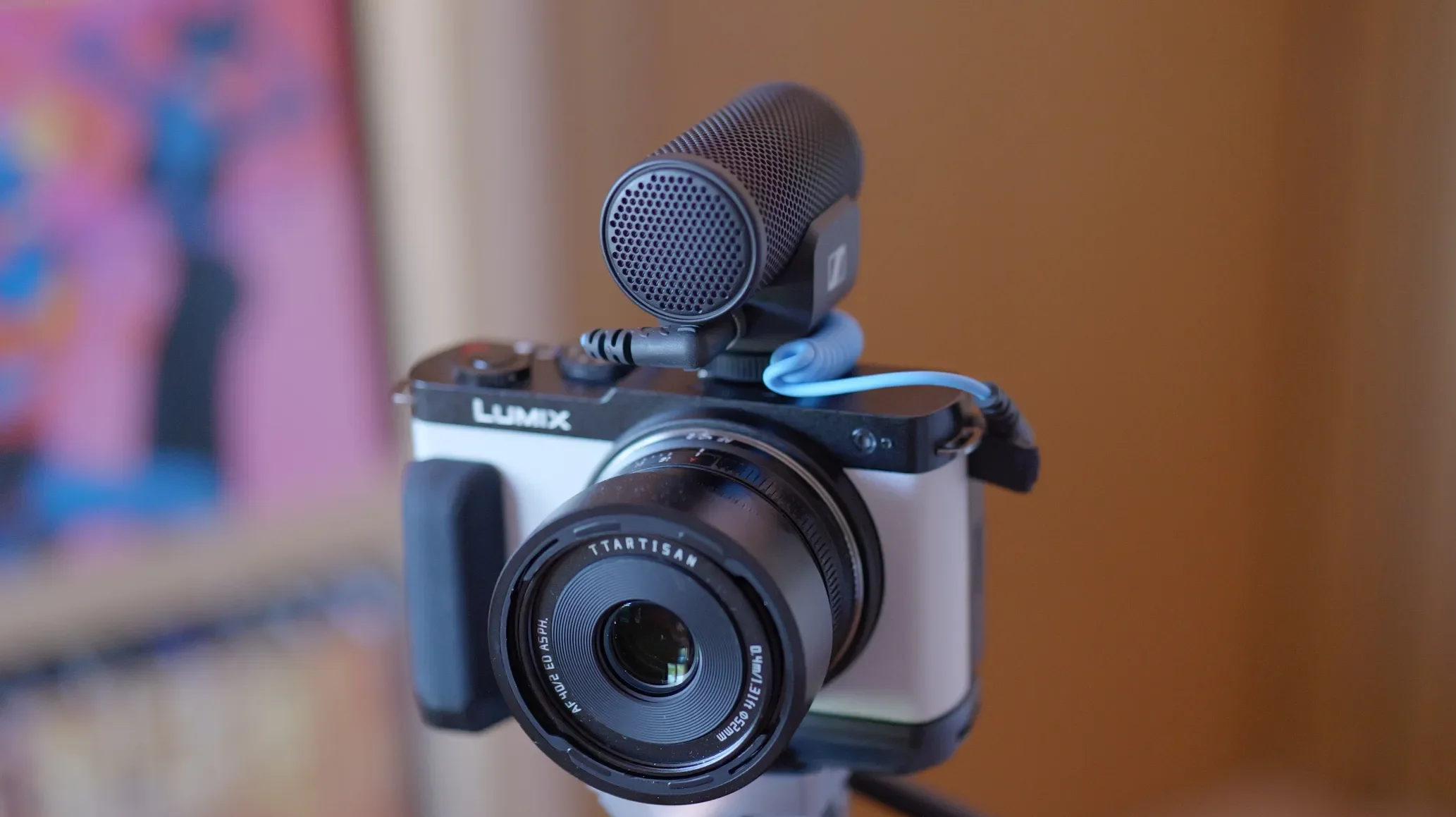
When it comes to overheating, in 4K 24/25/30p modes you should not have a problem and are limited by the battery rather than overheating. With higher frame rates it also produces good results – I tested it in 4K 50p at 26C/79F and the camera shut down at 1:10 minutes. In 6k open gate 25p (4:2:0, 10-bit, LongGop, 200 MBS) at 26C/79F, the camera shut down at 0:59 minutes, just shy of 1 hour. Both of these results were with the battery and screen flipped to the side – you could get better results by using a dummy battery or USB-C charging.
Ergonomics
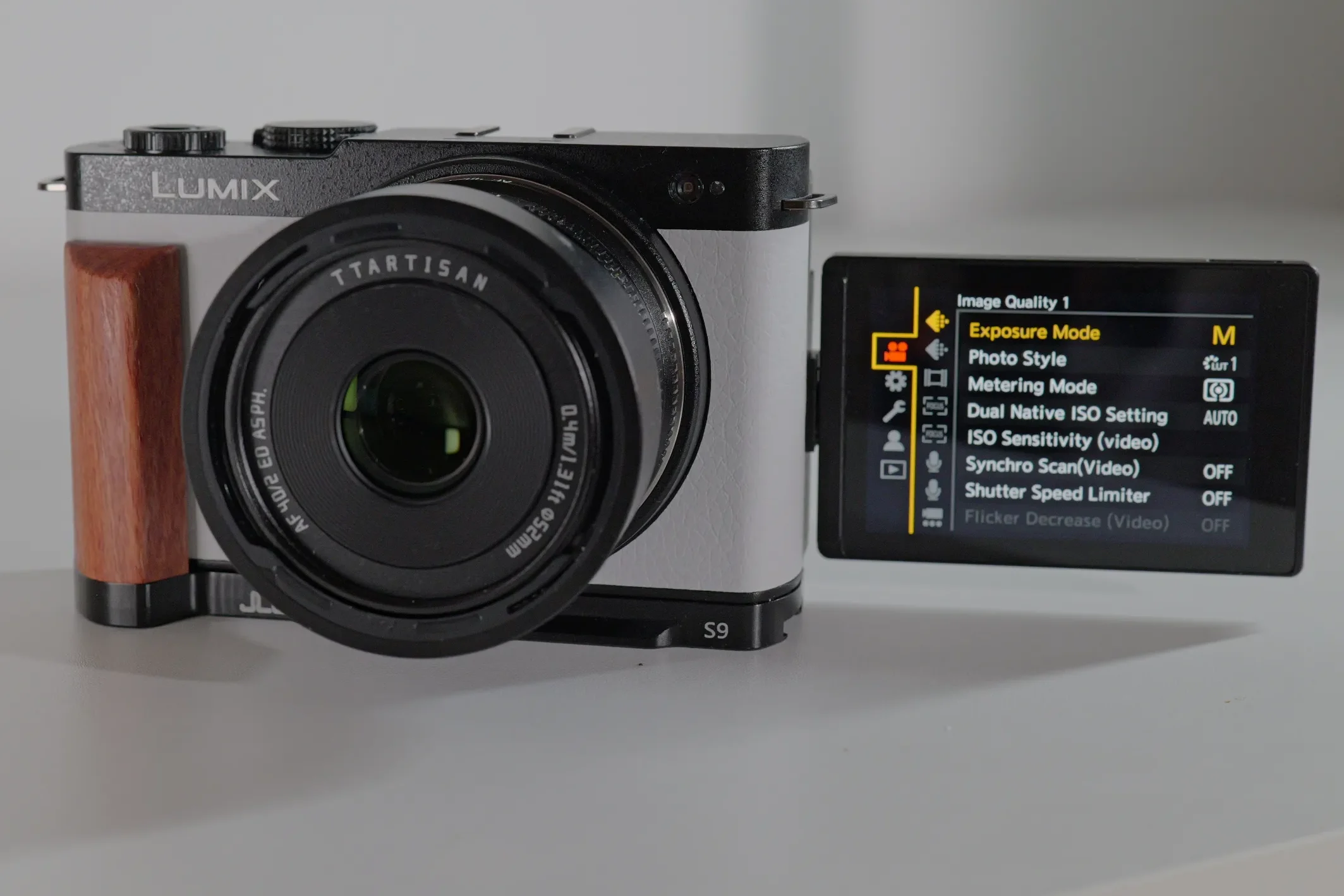
I can say that the S9 has the worst ergonomics of any camera that I have tried – it is practically a brick, with no grip whatsoever, with a slight thumb grip. Now I understand that they wanted to achieve a modern design and that a grip doesn’t look sexy, but when a camera manufacturer provides the Smallrig grip accessory bundled with the camera to the testers that were invited to its unveiling in Japan, you know there is a problem.
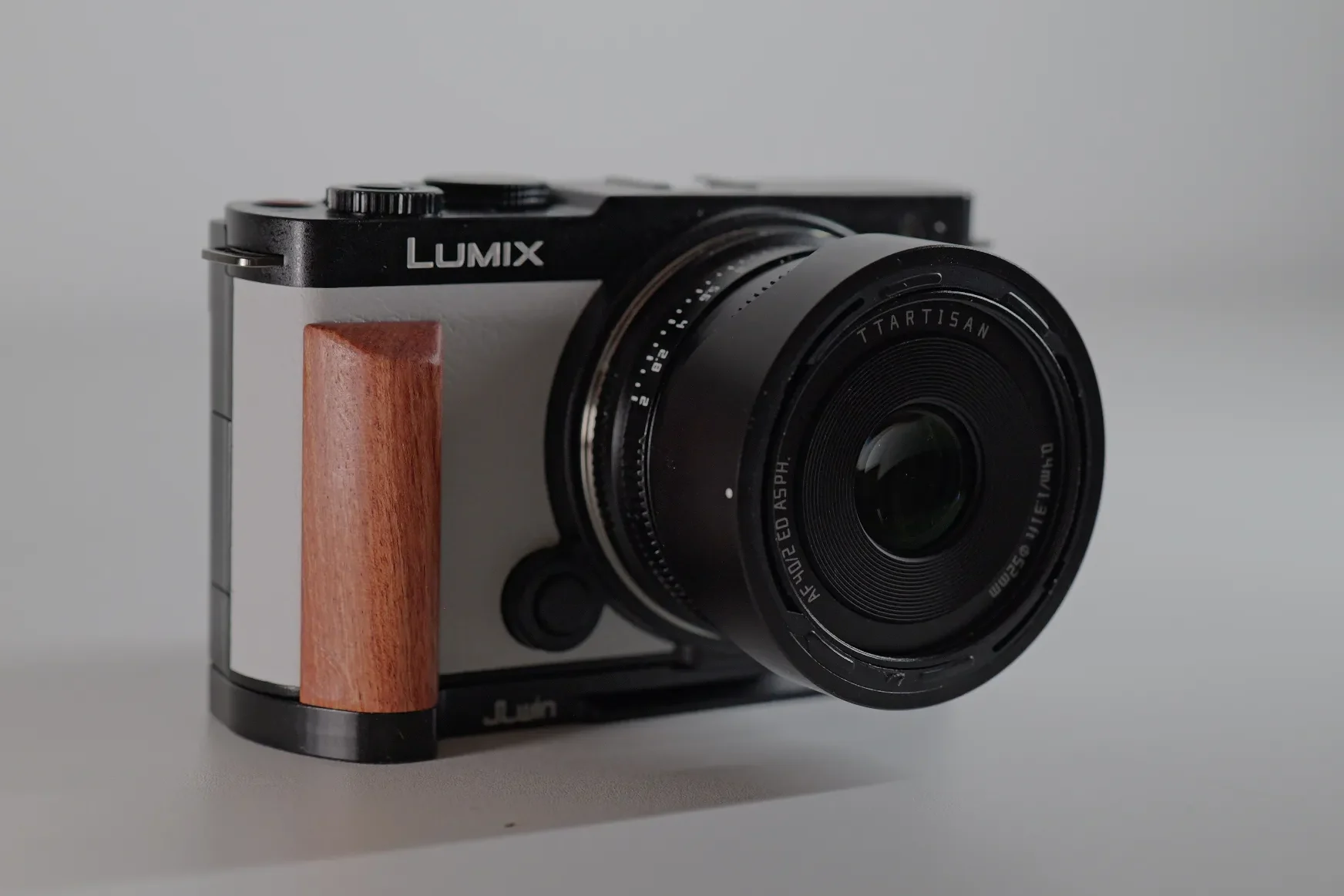
I choose good ergonomics over style every time, so give me a good comfortable grip and ergonomic camera layout and my hands/fingers will thank you. Without the additional grip, which you have to buy separately, the camera is very uncomfortable to use and practically all S9 users have had to buy one (I have two actually the FOTGA S9 Quick Release L Plate and the JJC HG-S9 L-Bracket Plate). The attachment grip does help to at least hold the camera securely, but it is not comfortable and adds unnecessary weight to what is supposed to be a lightweight system..
The Menu
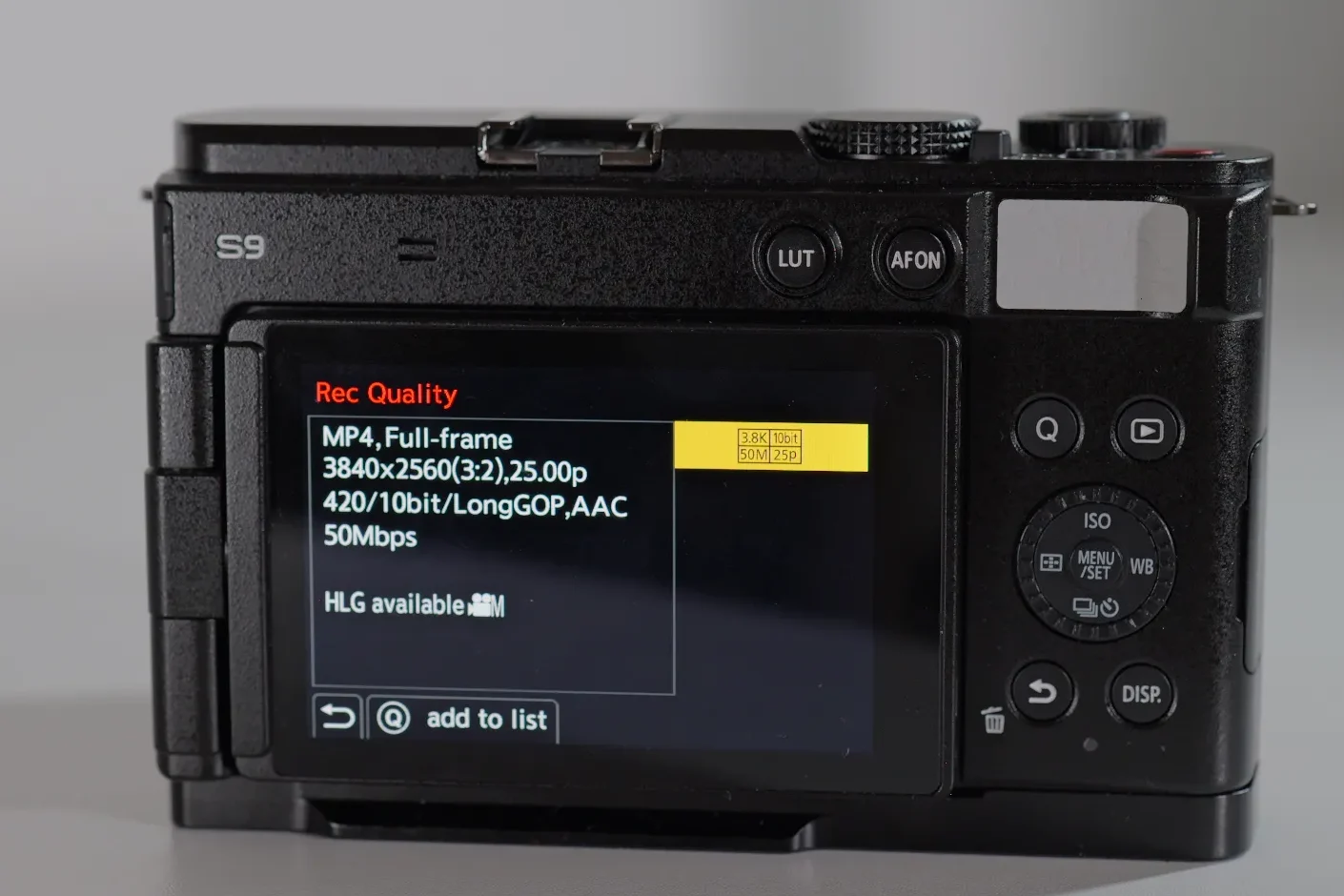
I like the Lumix menus, similar to the Fuji menus; they are clear, everything is where it is supposed to be, and once you learn to navigate the many options, you feel at home. The one thing that Fuji does better is the movie selection mode where in one place you can choose the resolution/codec/frame rate whereas Lumix lists each option separately – so you can get up to 19 pages (in the new S1II generation of cameras) of different options. Now they do offer a custom list and search option, where you can search by a specific parameter (4k, 6k) and it only show you the options with that parameter and you can make a list of the resolution/codec/frame rate options you mostly use and only see that, instead of the whole list.
Button layout and dials
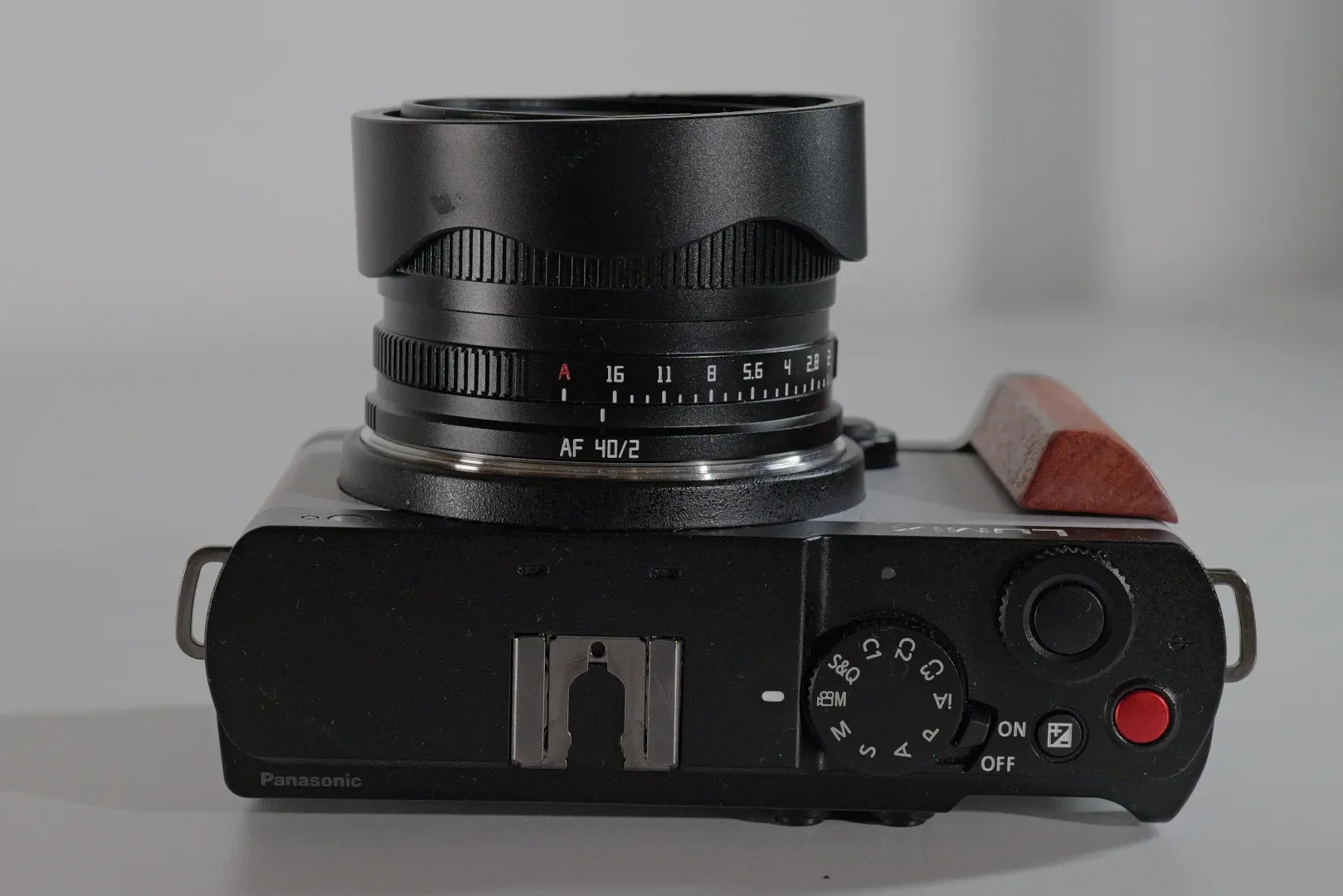
The Lumix S9 which has 6 + 3 minimalist button layout. It has only one dial on the top plate and a rotating control dial on the back. The PASM dial, due to its position and height, cannot be comfortably operated just with one hand thumb-finger switching, you need to hold it with both, which is a bummer. The complete lack of buttons/dials on the left side of the camera is a bit strange and obviously a design choice. The four back buttons are embedded but are easier to feel compared to the ones on the Fuji X-S20. The overall quality of the buttons and the dials is poor, they feel plastic and cheap – many users have reported problems especially with control dial that stopped working or got jammed. Lumix cheeped out on the materials on this camera to keep the costs down – the Lumix L10 has much better overall quality of buttons, dials and materials used, and hopefully this will be the new body design of the S9II.
Compatibility and firmware notes
Full firmware history and tested lens and adapter notes for the Lumix S9 — updated as new firmware ships.
OPEN COMPATIBILITY ENTRY →Recommended accessories
Grip (wood) – FOTGA S9 Quick Release L Plate (the wood handle looks particularly stylish on a white camera body)
Grip (black) – JJC HG-S9 L-Bracket Plate (a budget alternative to the Smallrig)
Cage – Camera Cage for Panasonic S9 (if you need to attach a handle or other accessories)
Vlogging tripod – Manfrotto MTPIXIEVO-BK Pixi Evo Mini Tripod (very comfortable for hand holding the camera at a distance)
Final verdict
The Lumix S9 is a great starter content creator camera, that allows you to step into the world of full frame cameras at a budget, which most can handle. For talking head videos, it works great, the autofocus is reliable, the screen is bright enough and the quick menu offers all the settings you need. For b-roll and vlogging, the class leading stabilization allows you to have great stable footage, it is light weight, and selection of small lenses allow you to vlog in a full frame look.
For this price, there are some compromises that you must take into account, besides the lower build quality, the lack of EVF, mechanical shutter, headphone jack, grip and hot shoe. This camera was marketed as a stepping stone for content creators, who want to make a switch form the smart phone to a real camera. It is not a professional camera, but it does inherit all of the amazing video/photo features from the professional S5II, which makes it a powerhouse capable of high end video quality productions, while at the same time offering the option of a fast turnaround recording-to-posting workflow.
FAQ
Related content
Lumix S5II
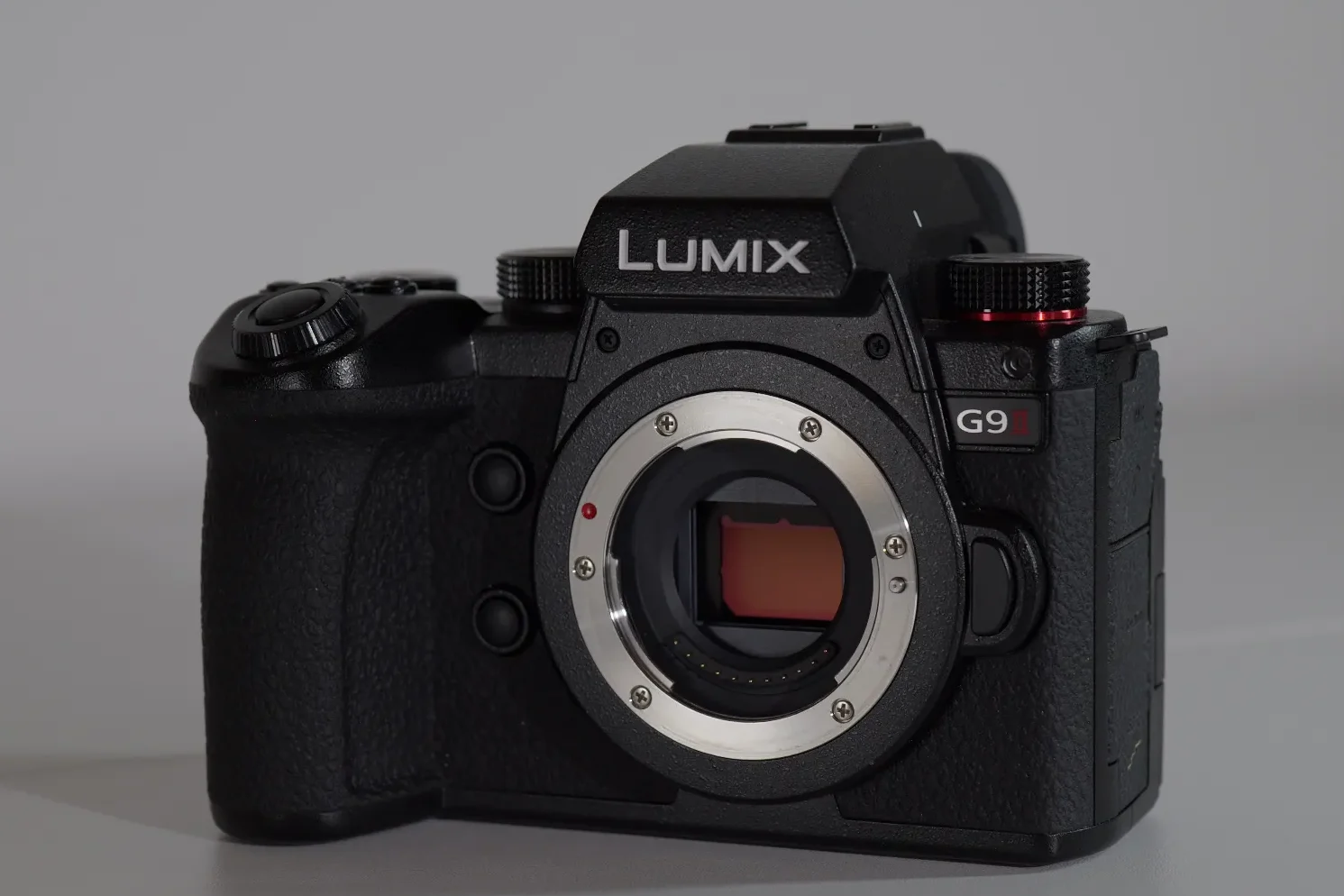
Lumix G9II